
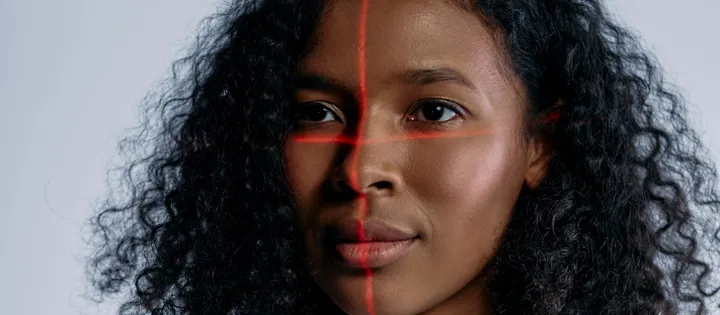
Face attendance
Attendance with existing cameras: walking through the gate clocks in and out by face, masks included. Data flows into HRM.
- Uses features
- Face recognition
- Connects with
- HR and payroll software (HRM)
Each application combines Vaidio's AI features with the software and devices the business already uses, such as HR software, barriers or maglocked doors. Cameras do not just record; they do a job inside the workflow: logging work hours, opening the gate for the right person, or alerting the moment a stranger appears.
Attendance with existing cameras: walking through the gate clocks in and out by face, masks included. Data flows into HRM.
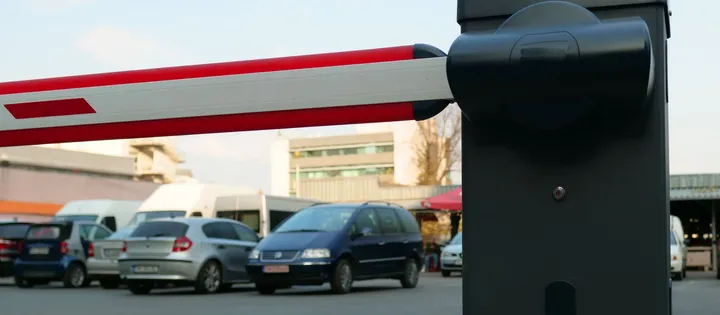
Access control with existing cameras: faces for people, plates for vehicles; on the list, the barrier opens itself; off it, an instant alert.
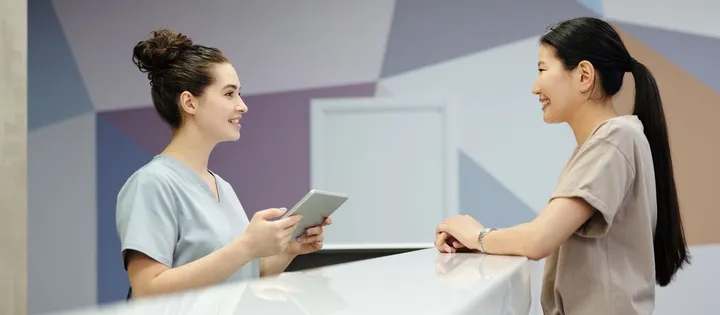
AI-Checkin visitor management: pre-registered guests are recognized in the lobby, hosts get notified, every visit logged with a photo.
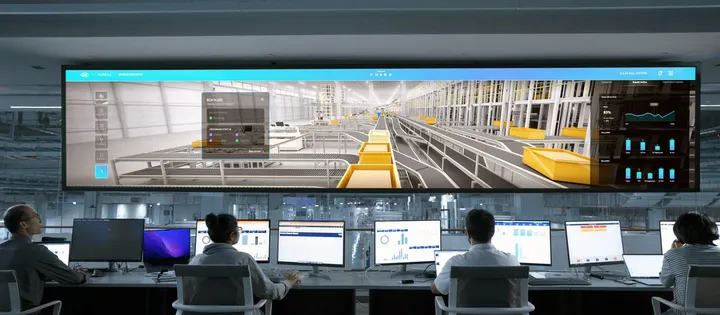
AI flags smoke, fire, falls and intrusions on existing cameras, alerts the person in charge with a photo, who confirms and closes the incident.
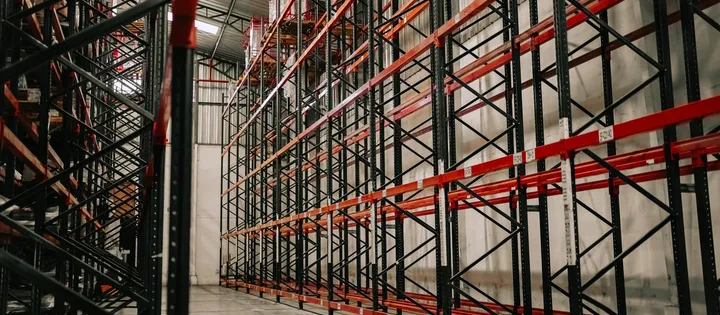
Smart warehouse monitoring on existing cameras: after-hours intrusion, stock moved off shelves, objects left at fire exits.

AI alerts on restricted-area intrusions by zone and schedule: server rooms, chemical stores, electrical areas, with photos.

AI cameras watch workplace safety: missing hard hats, danger zones, falls and smoke are alerted with a photo while it happens.

AI cameras watch food safety at plants, slaughterhouses and markets: missing masks, intrusions, smoke and fire get photo alerts.

Count store visits on your existing security cameras: dwell time by zone, peak hours, movement paths and revenue per visit.
Step 1
Uses the IP cameras the business has installed, connected to Vaidio AI Vision over ONVIF or RTSP; no camera replacement needed.
Step 2
AI identifies the face, license plate or event, then checks it against the rules you set: people on the list, registered vehicles, permitted time windows.
Step 3
Barriers open, work hours post into HR software, and messages reach the person in charge. Operators no longer sit watching cameras.
Vaidio AI Vision does not replace existing software or devices; it delivers recognition results to exactly where they are needed.
Receives clock-in and clock-out times per employee for payroll.
Open for the right person or vehicle; stay locked and raise an alert on a mismatch.
Alerts with images go out via Zalo, SMS, Telegram or email to the right owner.
Sounds the signal right where the event happens so people nearby can respond.
Recognition results and event history export to Excel for reconciliation and records.
A feature is a single AI capability, for example face recognition. An application combines one or several features with the software and equipment the business already uses to complete one job, for example time attendance: face recognition, in-and-out timestamps, and the data flowing into HR software.
When an event occurs, Vaidio sends a signal to the other system over HTTP Trigger or API, for example a barrier-open command or an attendance record. Recognition data and event history can also export to Excel. Turbo Solutions surveys the systems you run to pick the right integration.
Needs such as visitor management, parking or storefront counting are built on features Vaidio AI Vision already has. Turbo Solutions surveys the actual workflow, then advises on configuration and integration.
Turbo Solutions surveys your current system, demos against your real operating scenarios and quotes by scope of work. No disruption to daily operations.
Book a demoVAIDIO AI VISION