
AI video analytics · Buildings
Smart buildings: managing people, vehicles and shared areas
AI cameras for buildings: residents recognized at the lobby, parking managed by plate, stranger alerts in shared areas.
Industry challenges
Strangers blend into the flow
Lobbies, elevators and basements see heavy daily traffic. Auto-doors open for anyone; someone posing as a technician or a person on a watch list is hard to catch by eye.
Incidents in low-traffic corners
A slip on a restricted staircase, a member fainting on a treadmill. Few people pass these spots, so an incident waits to be discovered.
Parking and gates without numbers
Nobody knows how many spaces remain; unknown cars enter unrecorded. The gate jams at peak hours with no flow data to justify opening another lane.
Building staff are hard to supervise
Absentees at duty stations go unnoticed during office hours; per-person in-and-out times are not captured well enough for HR or shared-area usage accounting.
Solutions by area
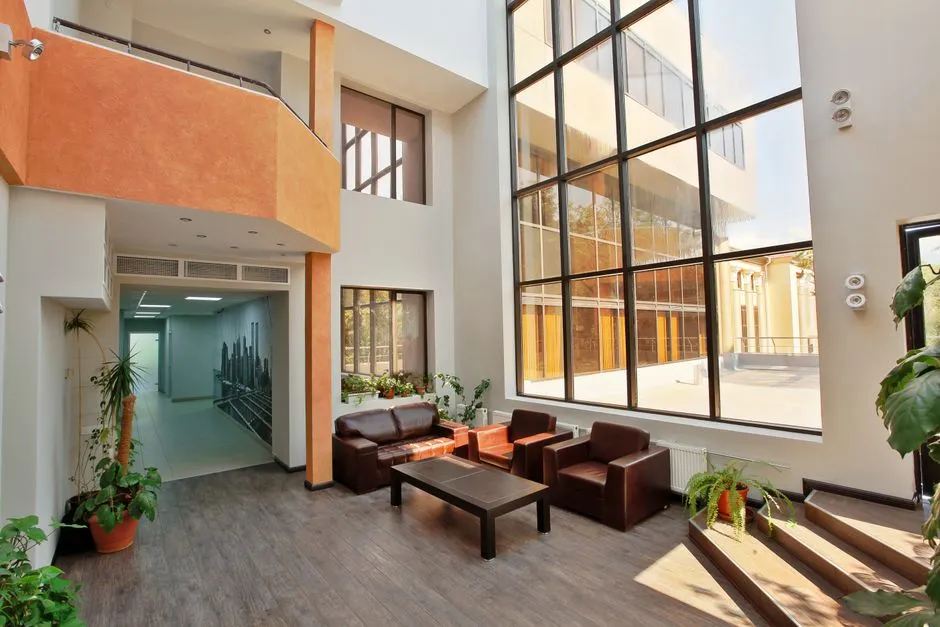
Lobby and entrances
Residents and staff are recognized by face to open doors (connected to the existing door system); strangers or watch-listed individuals alert security with images.
Elevators and basement
Floor-access rules for elevators by permission: a face on the list takes the elevator only to permitted floors when connected to the elevator system. Basement cameras recognize registered plates and log each vehicle's times for lookup; data feeds the parking software already in use for billing.
Parking
Vehicles counted in and out in real time with vacant and full status reported; unknown or watch-listed vehicles detected; daily flow reports guide lot allocation.
Shared areas: gym, staircases, common rooms
Detects falls and fainting in low-traffic spots; counts people in waiting areas and common rooms to alert on overload and coordinate staff.
Building operations room
Management of several buildings watches centrally through Vaidio Command Center; event-based video export and time-based lookup of people and vehicles whenever needed.
Can be enabled later
Smoke and fire detection in basements and technical rooms with a dedicated AI model (separate license). Objects left behind in lobbies and common areas: pick the object type upfront and get an alert when it sits unattended past the set time. Camera health monitoring shows instantly which camera is blocked, misaimed or offline.
What you get
Every pass in and out and every incident in the building leaves a data trail for management.
Lobby doors that know people
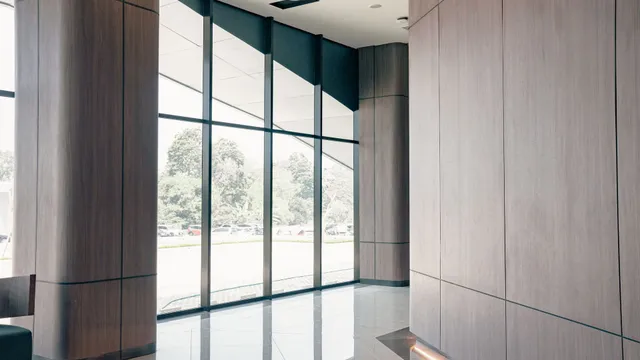
Residents and staff pass the lobby by face; strangers or watch-listed individuals alert security with images. Every pass leaves a history for review.
Elevator access controlled automatically
Floor rules set by face, with the elevator serving only permitted floors through the existing elevator system; outsiders cannot reach private floors.
Parking status known in advance
Vehicles counted in real time with vacant and full status reported to management; unknown or watch-listed vehicles detected by plate.
No incident missed in quiet corners
Falls and fainting in the gym, staircases and common rooms alert with images so staff arrive in time; overloaded areas surface for staffing.
Several buildings, one center
Cameras across buildings come together in Vaidio Command Center; event-based video export and time-based lookups whenever management needs them.
How deployment works
Step 1
Building survey
Check cameras at the lobby, elevators, basement, parking and shared areas; identify the door, elevator and barrier systems to plan integration.
Step 2
Configure by area
Load lists of residents, staff and registered vehicles; set elevator floor rules, draw shared-area zones and set parking thresholds.
Step 3
Connect existing systems
Doors, elevators and barriers open by face and plate through the systems already installed; alerts reach security via mobile app and email, with optional sirens and lights.
Step 4
Training and handover
Operations staff learn to triage alerts, look up history and export reports; support continues until the system runs steadily without disturbing residents.
Infrastructure requirements: IP cameras from 720p for face recognition. The server sits in the building's operations room. Existing cameras, recorders, door and elevator systems stay as they are.
Related features
Put AI Vision to work in your operations
Turbo Solutions surveys your current system, demos against your real operating scenarios and quotes by scope of work. No disruption to daily operations.
Book a demo