
Platform overview
Multi-task AI camera: many AI models on the cameras you own
Turn ordinary cameras into AI cameras: run 30+ features on existing IP cameras, recorders and network, from face recognition onward.
The real-world problem
A business invests in dozens of cameras, recorders and network gear, yet someone still has to sit reviewing footage every day. Adding AI used to mean buying a new camera system. Vaidio AI Vision adds the AI layer on top of the existing infrastructure: several features run in parallel on one camera stream, data stays on-premise, and each feature turns on by license.
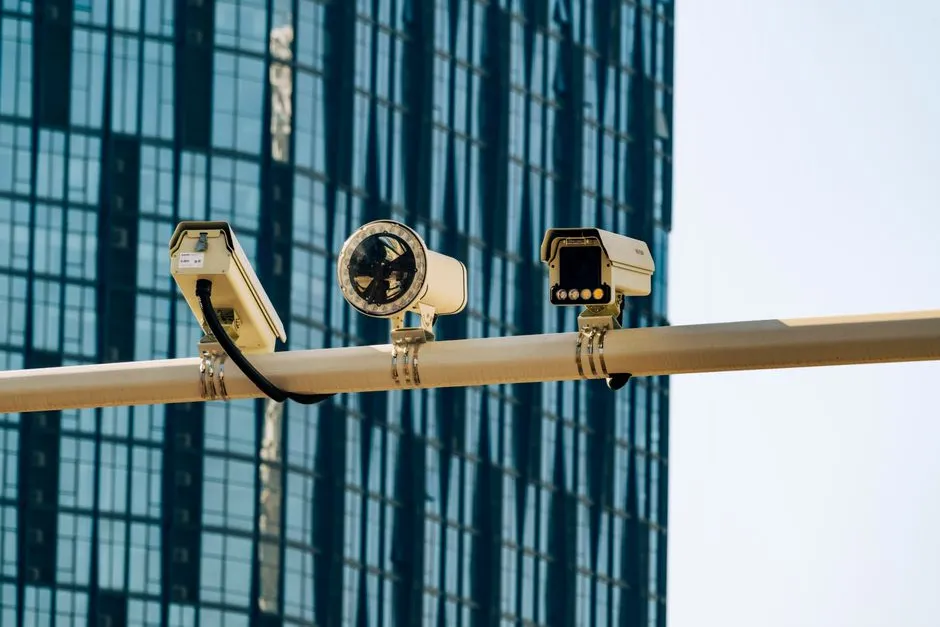
Face · Plate · Smoke & fire
Same gate camera · 14:32:05
How it works
01
Connect the cameras you already have
We check the cameras and recorders in use (ONVIF or RTSP; vendor recommends 2MP/1080p or better, with suitable angles and mounting heights) and connect them to Vaidio AI Vision. No rip-and-replace.
02
AI analyzes in real time
Features are enabled per camera by license: face recognition, plate reading, smoke and fire detection, counting, age and gender estimation and more run in parallel on the same stream on a Vaidio Core server; edge devices run one feature each.
03
Alerts and results you can use
Events reach the dashboard, mobile app and email; connects to Zalo, SMS, Telegram and on-site sirens, lights and speakers; rules open barriers and doors. Search and reports reuse the same data, on the servers inside your business.
Real-world applications
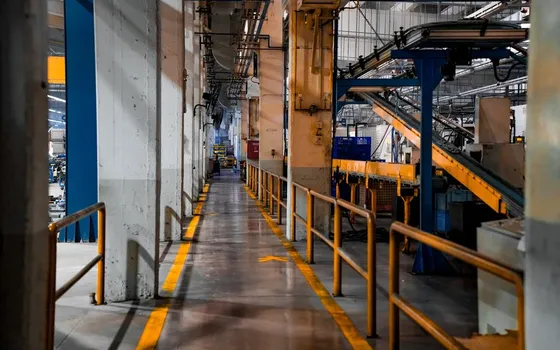
Plants and warehouses
PPE checks, intrusion and smoke detection on the same production cameras.

Store chains, many branches
Counting and heatmaps per store, all sites under one view.

Offices and buildings
Face access at lobbies and elevator floor rules on existing cameras.
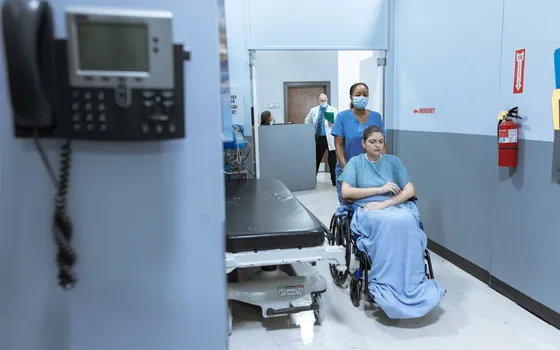
Hospitals and medical facilities
Restricted-area control and waiting-room occupancy with privacy blurring.
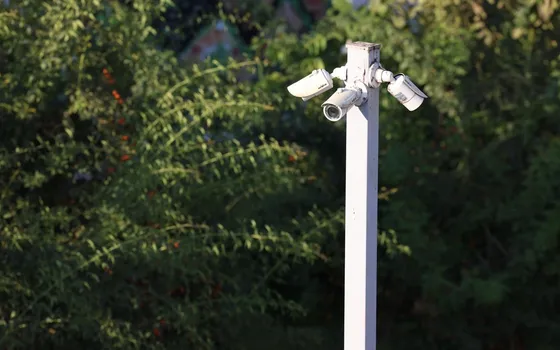
Upgrading a legacy CCTV system
Existing IP cameras or recorder RTSP streams stay in place and keep their cabling; choose a Vaidio Core server for parallel features or an edge device per site. New AI cameras only when cameras reach end of life.
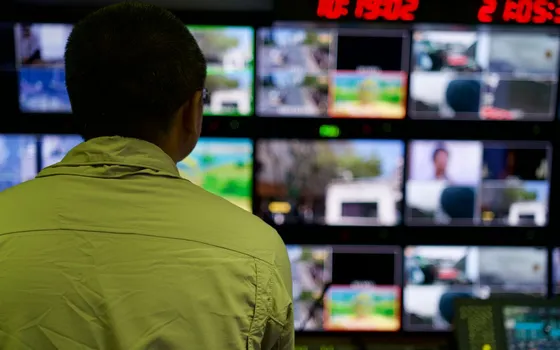
Businesses with a VMS/NVR already
Vaidio ingests streams from 30+ video management systems and recorders already in place, adding an AI analytics layer without replacing the VMS.
What you get
Existing cameras become AI cameras
Current IP cameras and recorders keep working in place, gaining an AI analysis layer with no rip-out and no downtime.
Several features on one video stream
On the Vaidio Core server, features run in parallel on the same camera frame, each switched on per license.
Alerts reach the right person at the right time
Events go to the dashboard, mobile app and email on the set schedule; each event is marked acknowledged or resolved.
Results stored for later lookup
Every event is saved as metadata with image and timestamp, filtered by camera and event type for reports.
How deployment works
Step 1
Survey the current system
Check ONVIF or RTSP connectivity, resolution and mounting of each camera against the features to enable.
Step 2
Pick the deployment shape
A Vaidio Core server for headquarters with many cameras running features in parallel; edge devices for remote points, one engine each.
Step 3
Connect cameras and switch features on
Link existing cameras, recorders and VMS into the platform over the local network; activate features per camera under their licenses.
Step 4
Tune and operate
Adjust monitoring zones and alert thresholds per position, piloting one camera group before scaling.
Infrastructure requirements: IP cameras at 2MP or better per the general recommendation, connected over ONVIF or RTSP; cameras behind recorders with RTSP output also work. Server on premises or edge devices per site, with the existing camera and VMS infrastructure untouched.
Frequently asked questions
Do we have to replace all our current cameras?
No. Vaidio runs on existing IP cameras over ONVIF or RTSP and integrates with more than 30 VMS/NVR systems. Cameras stay; we only verify resolution and angles for the features you pick.
Where are video and recognition results stored?
Inside the business: on Vaidio Core servers on-premise or on edge devices at each site. Nothing leaves your infrastructure by default.
What is the deployment process and cost?
Five steps: survey, choose the deployment (server or edge), connect, tune the AI per camera position, optimize operations. Cost follows camera count, streams and features; quoted after the survey.
How many AI features can one camera run at once?
On a Vaidio Core server, several features run in parallel on the same stream, for example face recognition, plate reading and smoke detection on one gate camera. How many depends on licenses and server capacity; we size it during the survey. Edge devices run one feature each.
How do we search events in the video?
Use the built-in search: filter by object type, color, time window and camera, or describe the target in natural language with the NLE module (separate license). Results return in seconds.
What are the ways to turn ordinary cameras into AI cameras?
Three common paths: replace with AI cameras when cameras reach end of life; add an edge AI device per site (one engine per device); or run AI software on a server that ingests streams from existing cameras and VMS, and 30+ VMS/NVR connect. The third path reuses the most of what you already own.
Related features
Put AI Vision to work in your operations
Turbo Solutions surveys your current system, demos against your real operating scenarios and quotes by scope of work. No disruption to daily operations.
Book a demo