
Smart alerts
Smart warehouse monitoring with AI on the cameras you already have
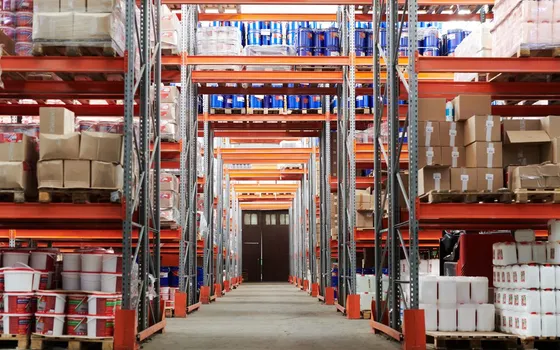
Smart warehouse monitoring on existing cameras: after-hours intrusion, stock moved off shelves, objects left at fire exits.
The real-world problem
Loss in a warehouse rarely comes with noise. A carton disappears from a shelf during shift change, another gets stacked over and hidden from the camera's view, a stranger walks into the storage area on a quiet night shift: these events happen with nobody standing nearby to see them. The cameras record everything, but footage only has value when someone watches it. Discrepancies usually surface days or weeks late, tied to a stocktake, when tracing who entered which area has become difficult and the trail means hours of manual review. Night shifts and holidays are the riskiest hours for a warehouse, and exactly when the duty team is thinnest.
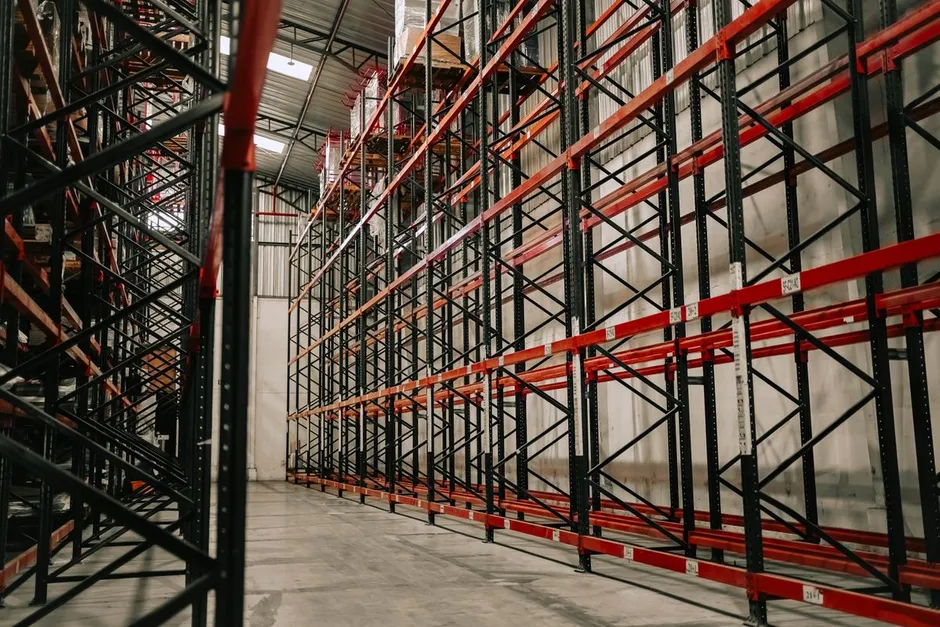
Alert: stock moved off shelf K07 · 02:14
Warehouse A camera · High-value racking
How it works
01
Draw a monitoring zone for each camera
Vaidio AI Vision runs on a server at the business's premises, ingests streams from existing IP cameras and analyzes several event types in parallel. Each camera gets its own zones: high-value racking, flammable material storage, gates, fire exits. Alerts fire only when the event happens inside a drawn zone, so normal warehouse activity does not create noise.
02
Catch stock moved, hidden and objects left too long
Scene Change Detection compares each frame against the area's baseline image without pre-selecting object types: when a carton vanishes from a shelf, a fixed device goes missing or a strange object appears in an aisle, the system records the change and sends an alert with a photo. Object Left Behind is a separate engine: pick the object type and zone in advance, and when an object sits there with nobody around past the set time, from 1 to 3,600 seconds, the alert fires. Applied to fire exits, forklift lanes and loading areas.
03
Alert on intrusion and search footage by sentence
Intrusion Detection reports a person entering a drawn zone outside permitted hours: the warehouse after closing, material storage, the perimeter fence. Alerts carry a photo, camera name and timestamp, so the duty person checks the image before heading out and skips swaying branches, small animals, drifting plastic. Object Counting tracks how many people are in each area. History is searched with a natural sentence, for example a person in a white shirt at rack area A at 2 a.m., with results shown with photos and time windows and exportable to Excel; people and vehicles are followed across adjacent cameras to see where they came from and where they went.
Real-world applications
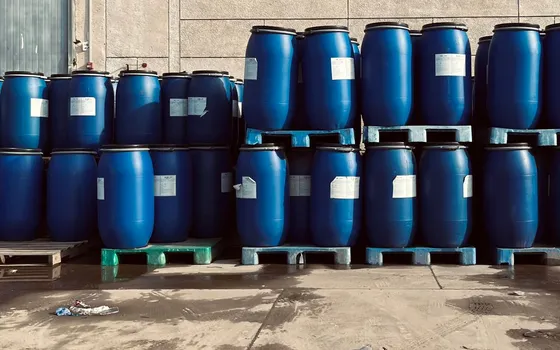
Chemical and flammable material storage
Third-party smoke or chemical leak sensors combine with video analytics: a sensor alarm is verified against the camera image at that spot before it reaches the duty person, cutting false alarms from dust or steam.
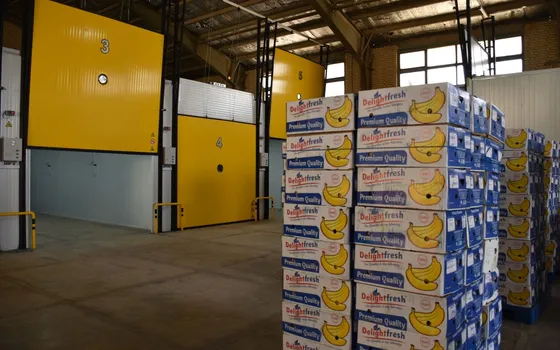
Cold storage
The application's alert groups work in cold stores too: after-hours intrusion, stock moved off shelves, people moving between zones. Cameras and equipment are specified cold and humidity rated; this belongs to the installation survey.
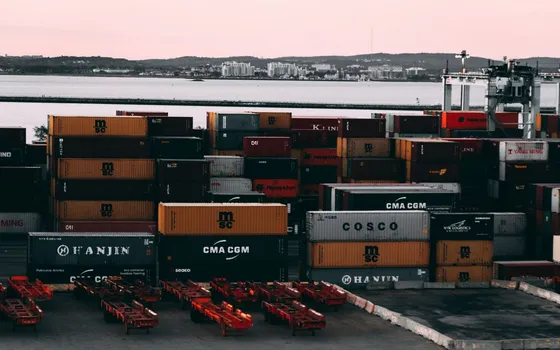
Container gates and vehicle movements
License plate recognition reads Vietnamese plates, including the two-line motorcycle format, and logs vehicles entering the container yard. Container number reading is a separate licensed engine, used to match container numbers against shipping documents at the gate.
Fire exits and warehouse corridors
Objects left behind or temporarily blocking a fire exit raise an alert after the set time, from 1 to 3,600 seconds, keeping escape routes clear per internal safety rules.
What you get
Intrusion known within the shift, not at stocktake
Someone entering the warehouse after hours, material storage or over the perimeter fence triggers an alert as the event happens, with a photo of the scene. Measured by the time from event to the owner receiving and acknowledging the alert.
Stock moved or hidden is logged within the shift
Shelf discrepancies are examined on the spot instead of piling up to the stocktake, with a photo and timestamp to match against shipping documents. Measured by the share of landscape-change alerts confirmed real, against discrepancies found at stocktake.
Duty teams go on site at the right time, false alerts decline
Every alert carries a photo, camera position and timestamp for triage before moving; zones and thresholds are tuned to the site. Measured by the ratio of alerts confirmed real after tuning, against the first pilot week.
Investigation searches drop to seconds
Events are searched by sentence with a time window and area, results shown with photos and exported to Excel for the record. Measured by the time from a search request to results on screen.
How deployment works
Step 1
Survey the warehouse and draw monitoring zones
List priority areas: high-value racking, flammable materials, gates, fire exits. Check existing cameras cover them and note blind spots to fill if needed.
Step 2
Connect the existing IP cameras
Cameras connect via ONVIF or RTSP, 720p minimum, 2MP recommended. The system connects to more than 30 VMS and NVR platforms already in operation, so the viewing side usually stays as is. Processing runs on a server at the business's premises; video and results are not sent to external services.
Step 3
Set alert rules and thresholds per area
Zones are drawn directly on the frame, with shift schedules (after hours only or around the clock), minimum dwell time for stationary objects, and cooldowns between alerts to avoid noise. Who receives alerts for each area and over which channel (email or Zalo) is settled in this step.
Step 4
Pilot and train the duty team
Run a one to two week pilot to count false alerts and tighten zones and thresholds accordingly. The duty team practices reviewing alert photos, confirming real or false, handling and logging each case; the same routine is reused when expanding to remaining areas.
Infrastructure requirements: Warehouses spread across sites, weighbridges or bonded stores far from the internal network use edge devices installed on site: each device runs one engine with up to about 4 camera channels, operating independently without the internal network and sending alerts over mobile data when events occur. An on-site server suits cases needing many engines in parallel and centralized footage search.
Frequently asked questions
Can a warehouse with analog cameras still use the application?
Analog cameras need a signal conversion step to IP before analytics. Conversion cost and quality should be assessed during the site survey; high-priority areas usually convert first and the rest follow a roadmap.
How does the AI tell that stock was taken off a shelf?
The system compares each frame against the area's baseline image. When a carton disappears from its position, a device goes missing or a strange object appears, the system records the change and sends an alert with a photo. Searching continues with a natural sentence: who and which vehicles passed through that area in that time window.
What if alerts get noisy?
Narrow the monitoring zone to the area that matters, schedule it by shift, and set a cooldown between alerts at the same spot from 0 to 3,600 seconds. Alerts carry a photo, so the owner classifies real versus false before going on site; any zone still noisy gets its boundaries and thresholds adjusted.
How do smoke or chemical leak sensors connect?
Third-party sensors combine with video analytics: the sensor alarms at a location and the system checks the camera image there to verify before alerting the duty person. Technically the connection uses HTTP Trigger or an API; Turbo Solutions surveys the existing sensors to choose the integration method.
Related features
Put AI Vision to work in your operations
Turbo Solutions surveys your current system, demos against your real operating scenarios and quotes by scope of work. No disruption to daily operations.
Book a demo