
Smart alerts
Intrusion alerts from cameras, with fewer false alarms
AI intrusion cameras that tell people from animals, leaves and weather, so they alert only for people. Virtual fences on existing cameras.
The real-world problem
Outdoor cameras alarm day and night: wind shaking trees, cats and dogs passing, headlights sweeping the fence line. Guards hear it until it becomes background noise, then mute it entirely. When a real person climbs the fence, nobody is listening. Vaidio AI Vision recognizes objects by type (person, vehicle, animal), so the zone only triggers for what you chose to guard against.
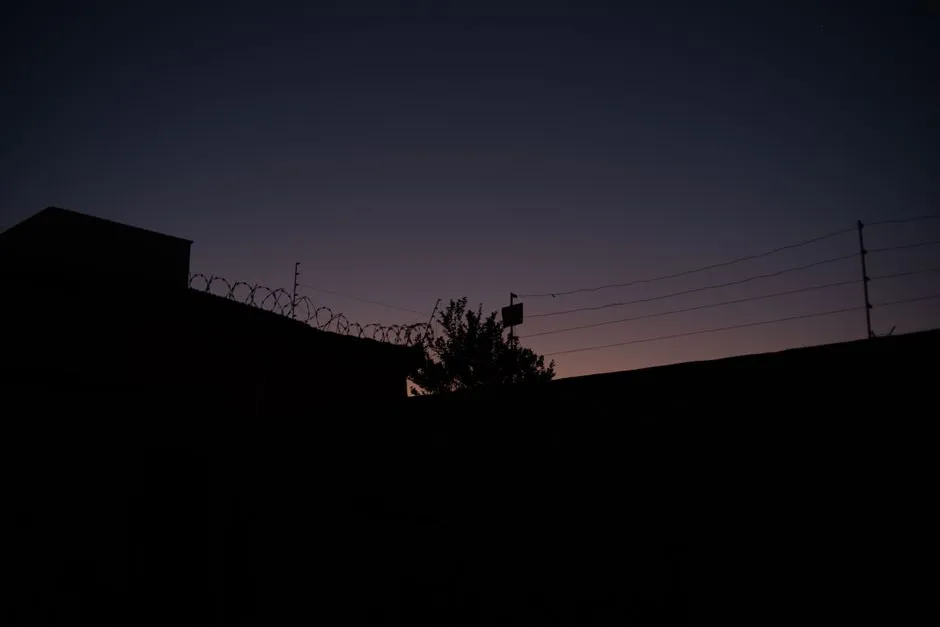
Alert: person in forbidden zone · 1 target
Warehouse fence A · 14:32:05
How it works
01
Connect cameras and draw protected zones
Gate, fence and warehouse cameras connect to Vaidio AI Vision. Forbidden zones are drawn per camera: a fence strip, the back yard, the materials yard. Each zone has its own rule, any shape, overlapping allowed. Nuisance areas (trees along the fence, a road crossing the view) are drawn as exclusion zones the system ignores.
02
AI analyzes objects in the zone
The system recognizes people, vehicles, animals and other object types available in the AI model; each zone accepts up to 10 object types with AND/OR trigger rules: alert only for people, or only when a person and a vehicle appear together. Each type adds conditions for color and count (more, fewer or exactly, up to 30 per type) and with/without another object, for example a backpack without a person in the warehouse triggers instantly. Leaves and rain are not selectable types, so they never cause the endless alarms of motion-based cameras.
03
Alerts on real events, with evidence
A person stepping into a forbidden zone alerts immediately to the dashboard, mobile app and email; connects to Zalo, SMS, Telegram and on-site sirens, lights and speakers. The cooldown between alerts runs 0 to 3,600 seconds to avoid repeats while the object stays in the zone. Alerts appear at the camera's position on a map or floor plan, with images and an event clip; history filters by camera, camera group, zone and time range.
04
Scheduled monitoring by time window
Each zone runs its own activation schedule: this one by day, that one by night. Sensitivity is the number of detections required within a window before an event fires: bright, busy hours get stricter settings (say 5 detections in 10 seconds) to cut false alarms; nights and poor visibility get more sensitive settings (say 2 in 5 seconds) for a faster reaction.
Real-world applications
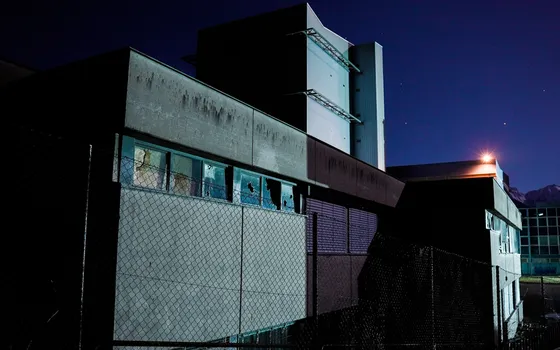
Factory fences and warehouses at night
Fence climbers and cutters are detected and reported with images and camera position so guards intercept in time, without scanning every monitor.
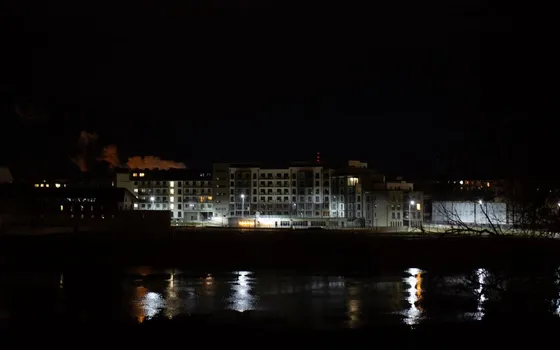
Residential complexes
Someone entering the back yard, technical areas or the pool outside allowed hours alerts with images for an immediate check.
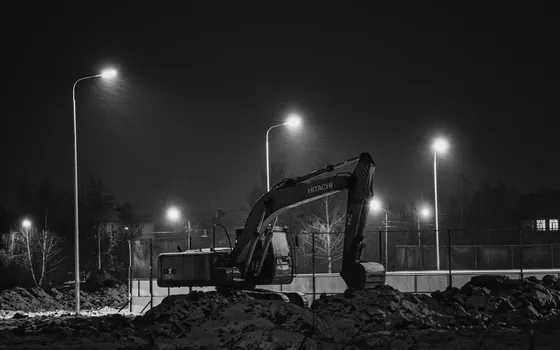
Construction sites and material yards
Off-hours material theft: night appearances in forbidden zones alert with video evidence for dealing with contractors.
Gates and sensitive areas by day
Combined with face recognition (separate license): listed staff pass without an alert; an unknown face stepping into the cash room or server room triggers instantly.
What you get
Alerts only for real objects in the zone
A forbidden zone tracks only the chosen object types (person, vehicle); leaves, passing animals and headlights are not selectable types, so they never cause the endless alarms of motion cameras.
Fence climbers reported with evidence
Alerts carry images and an event clip and appear at the camera position on the map, so guards know where to go; history filters by zone and time window for review.
One rule per area on its own schedule
Day zones and night zones switch on by their own schedule; AND/OR rules, count conditions and with/without conditions are set per area, for example a materials yard that alerts only after 18:00 and only for people.
Sensitive areas admit only listed people
Combined with face recognition (separate license): listed staff pass without an alert; an unknown face stepping into the server room or cash room triggers instantly.
How deployment works
Step 1
Survey the fence line and protected areas
Map the perimeter, note where camera coverage is missing, and record nuisance areas (trees along the fence, a crossing road) to draw as exclusion zones.
Step 2
Pick the deployment shape
On-site server for a perimeter with many cameras, or edge devices for standalone gates; decide who receives alerts for each area and through which channel.
Step 3
Draw zones and set rules per camera
Forbidden zones, exclusion zones, on-schedules, object types and AND/OR rules are configured per position; connect on-site sirens, lights and speakers where an instant reaction is needed.
Step 4
Tune and operate
Pilot one area, review false alarms from wind or headlights, then tighten sensitivity per time window before expanding to the rest.
Infrastructure requirements: Outdoor IP cameras from 720p, 2MP recommended, ONVIF or RTSP, existing cameras stay in place. On-site sirens, lights and speakers plus Zalo or email notifications connect as add-ons. On-site server or edge devices.
Frequently asked questions
Do wind, rain and passing animals cause constant alarms?
That is exactly what the system fixes: AI recognizes object types, so if the zone is set to 'person', passing cats and dogs, shaking leaves and rain never trigger alerts the way motion cameras do. Nuisance areas become exclusion zones, and sensitivity is tuned per location and time window.
Does it work at night or in rain?
Yes, as long as the camera still produces a clear enough picture to recognize the object. At night or in poor visibility, set a separate schedule with higher sensitivity for a faster reaction. For very dark spots we advise adding lighting or infrared cameras during the survey.
Where do alerts go, and who receives them?
Security gets alerts on the dashboard, the Vaidio mobile app and email; HTTP Trigger adds Zalo, SMS, Telegram and on-site sirens, lights and speakers. Alerts appear at the camera position on the map, so guards know exactly where to go.
How do I alert only in certain time windows, or under specific conditions?
Each zone has its own on-schedule and AND/OR trigger rules across object types, with color, count and with/without conditions. Examples: the materials yard zone runs 18:00 to 06:00 and alerts only for people; the staging area alerts when more than 3 vehicles are present; people walking along the road outside the zone never alert.
Related features
Put AI Vision to work in your operations
Turbo Solutions surveys your current system, demos against your real operating scenarios and quotes by scope of work. No disruption to daily operations.
Book a demo