
Access control
PPE detection with instant safety-violation alerts
AI cameras for workplace safety: detect missing helmets and hi-vis vests and alert instantly; violations are logged by area and hour.
The real-world problem
Helmet and hi-vis rules are posted right at the workshop door, but an inspector cannot stand in every area at once. Violations surface only after an accident, or when someone sits through footage by hand. Vaidio AI Vision checks automatically: who is missing PPE, in which zone, at what time, all brought into one tracking board.
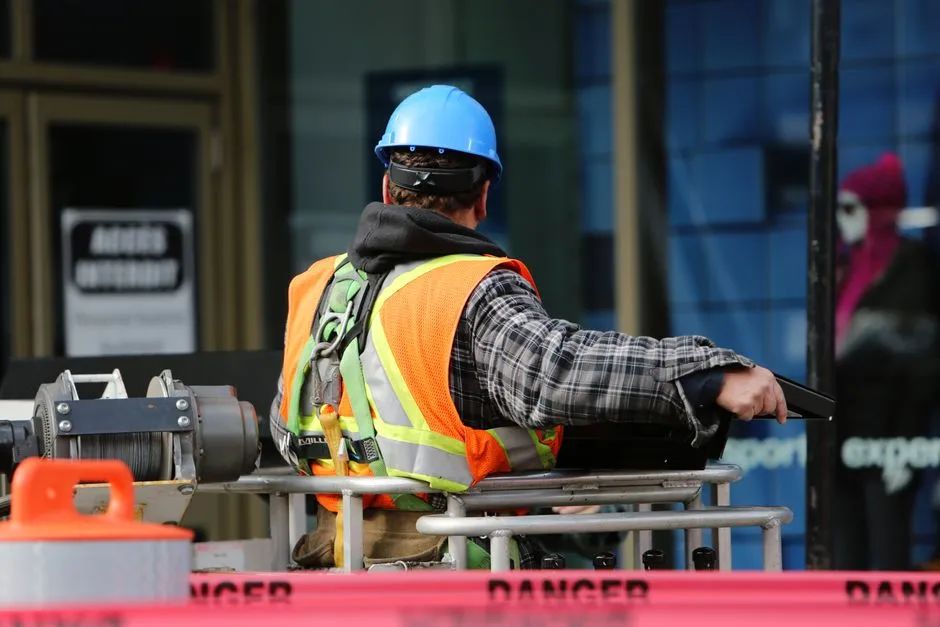
Alert: missing helmet · 2 people
Warehouse door 3 · 14:32:05
How it works
01
Connect existing workshop and site cameras
Cameras at gates, production lines and hazardous zones connect to Vaidio AI Vision. Monitoring zones are drawn per area, each with its own PPE rule.
02
AI checks each person's PPE
The PPE engine checks whether each person in frame wears a helmet and a hi-vis vest; each zone sets its own condition, for example no helmet or no vest. Mask checking belongs to the face recognition engine (separate license), running in parallel on the same stream. The PPE engine runs alongside the intrusion detection engine to scope the check to the right zone, which sharpens results.
03
Alert, block doors and report violations
Missing PPE alerts instantly to the dashboard, mobile app and email; connects to Zalo, SMS, Telegram and on-site sirens, lights and speakers. For hazardous-area doors, a rule holds the lock (via the existing door controller) when someone without PPE approaches. Violation history filters by event type (no helmet, no vest) and time window, and exports to .xlsx as a compliance report.
Interaction diagram: the full operating flow
The diagram displays best on desktop; on mobile it can still be viewed by dragging and zooming.
Real-world applications
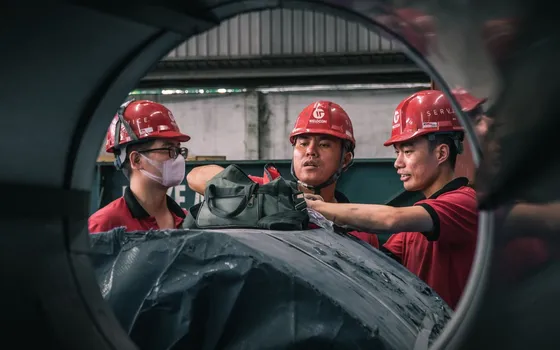
Manufacturing plants
Checks workers' PPE on the line; violation history exports to .xlsx by camera and time window to summarize compliance per shop and prompt timely corrections, without staff sweeping every position.
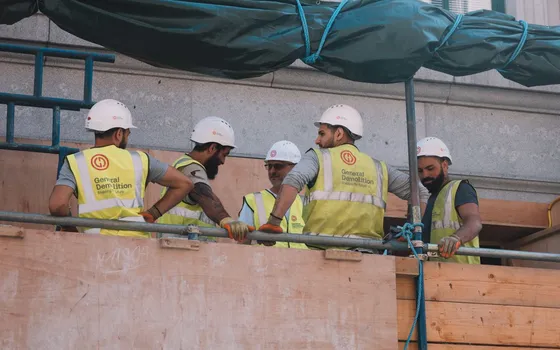
Multi-contractor construction sites
Anyone entering the work zone without a hi-vis vest or helmet alerts the safety supervisor at once. Violation history by zone and time window grounds safety evaluations with contractors.
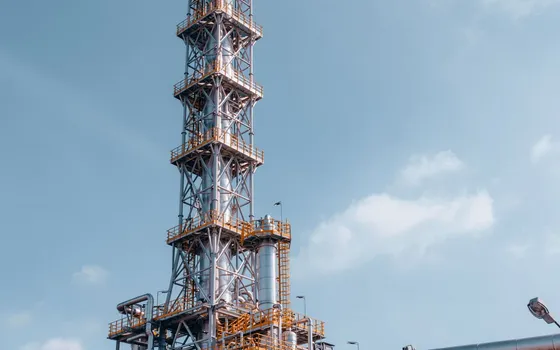
Entrances to hazardous areas
Rules for chemical storage and high-voltage areas: combined with face recognition (separate license), only people on the list wearing helmet and hi-vis get the door opened automatically (connected to the existing door system); missing PPE keeps the door locked and the safety supervisor is alerted at once.

Post-incident review
Find earlier violations with Video Search by filtering people by PPE attributes (with/without helmet, hi-vis) and time window, supporting investigations and retraining.
What you get
Violations seen as they happen
Anyone entering a monitored zone without a helmet or hi-vis vest triggers an alert with images to the safety supervisor, instead of surfacing after an incident.
One rule per area
Monitoring zones are drawn per area with its own PPE condition; the engine runs alongside intrusion detection, so only people inside the drawn zone are checked.
Hazard-area doors hold out under-protected people
A rule keeps the lock engaged through the existing controller when someone without full PPE approaches chemical storage or high-voltage areas.
Compliance reports by area and time
Violation history filters by event type and time window, exporting to .xlsx to summarize compliance per shop and per contractor.
How deployment works
Step 1
Survey the plant and hazard areas
List the zones to monitor, existing camera positions and the mandatory PPE for each zone.
Step 2
Pick the deployment shape
On-site server for plants with many cameras; edge devices for small sites and scattered outposts.
Step 3
Draw zones and set PPE conditions
Monitoring zones are drawn per camera with one rule each, for example helmet and vest required before entry.
Step 4
Tune and operate
Tune for lighting and foot traffic at each position, connect alert channels to safety staff and pilot one production line first.
Infrastructure requirements: IP cameras at 2MP or better per the general recommendation, connected over ONVIF or RTSP; door locks held through the existing controller. On-site server or edge devices.
Frequently asked questions
Which PPE types does the system recognize?
The PPE engine checks two groups out of the box: person with/without helmet and person with/without hi-vis vest; mask checking runs through the face recognition engine (separate license). Other gear such as goggles and gloves is not built in. Requirements for specific PPE types are sent to the vendor for assessment per project.
What happens after a missing-PPE detection?
Safety staff receive the alert with images the moment it happens, on the dashboard, mobile app and email. If the area has a controllable door or gate, a rule signals over HTTP Trigger or API to keep it shut for anyone without full PPE.
Do lighting and heavy foot traffic cause false alerts?
The PPE engine runs alongside intrusion detection: PPE is only checked for people entering a drawn zone, with attribute filters (with/without helmet, with/without vest), which cuts false alerts. We tune each monitoring zone against the actual camera view during deployment.
Related features
Put AI Vision to work in your operations
Turbo Solutions surveys your current system, demos against your real operating scenarios and quotes by scope of work. No disruption to daily operations.
Book a demo