
Access control
Face recognition software on the cameras you already have
Face recognition on existing IP cameras, masks included, for door access, time attendance and stranger alerts. Accuracy of up to 95%.
The real-world problem
Every morning security screens each person at the gate while staff queue to swipe cards anyone can borrow. A stranger walking into a restricted area goes unnoticed. We turn your existing entry cameras into face recognition points: the right person, the right area, the right time, with an automatic timestamped record.
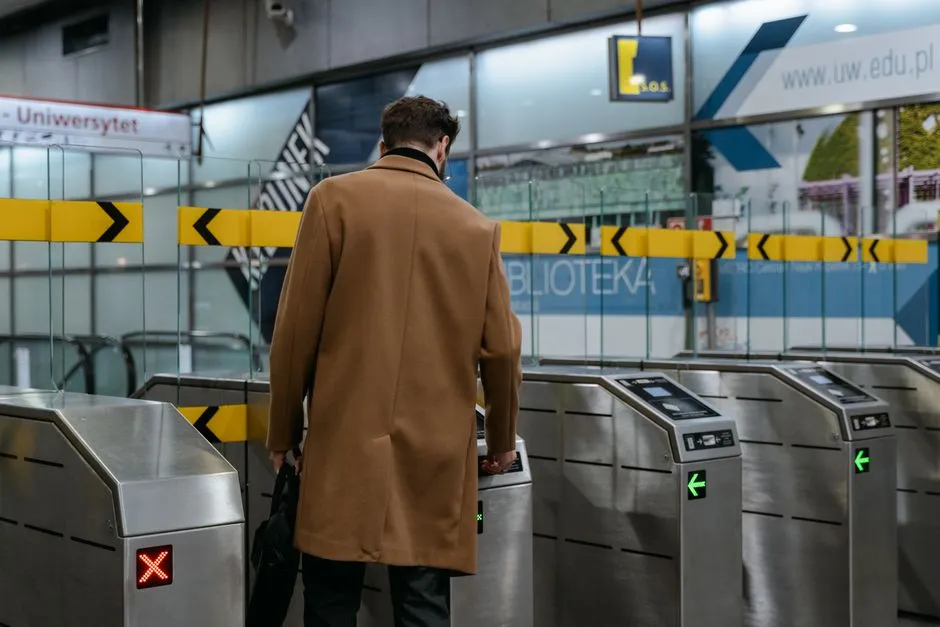
Verified: John Smith · Sales
Lobby gate · 14:32:05 · Mask: yes
How it works
01
Connect the entry cameras you already have
IP cameras at gates, lobbies and elevators connect to Vaidio AI Vision over ONVIF or RTSP. Each person registers up to 5 face photos from several angles. Using all 5 clear photos improves matching accuracy. The upload quality threshold has three levels; set it high and blurry, low-quality photos are rejected from the list.
02
Real-time 1:N recognition
The system recognizes several faces in one frame and matches each against the entire registered list, masks included; the minimum similarity that counts as a match is tuned per camera (70% by default). Recognition accuracy reaches up to 95%. Results carry estimated age (child, adult, senior) and gender, with an extra has-mask / no-mask filter. Age and gender are hidden automatically while the person wears a mask.
03
Open doors, clock in or alert
Lists are color-coded by group (staff, visitors, watch list) with expiry dates: once expired, a person drops off the list automatically. Anyone on a list gets their entries logged, and barriers, turnstiles or door locks open themselves (connected to the existing gate system); an unknown face alerts instantly to the dashboard, mobile app and email, with optional Zalo, SMS, Telegram and on-site sirens and lights.
Interaction diagram: the full operating flow
The diagram displays best on desktop; on mobile it can still be viewed by dragging and zooming.
Real-world applications
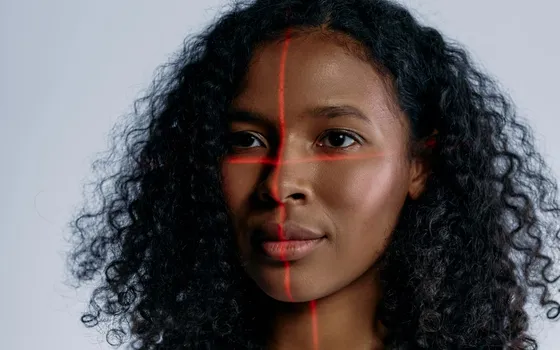
Attendance without stopping
Staff walking through the gate are clocked in and out. No card swipes or fingerprint scans. Attendance data flows into the HRM software already in use for payroll.
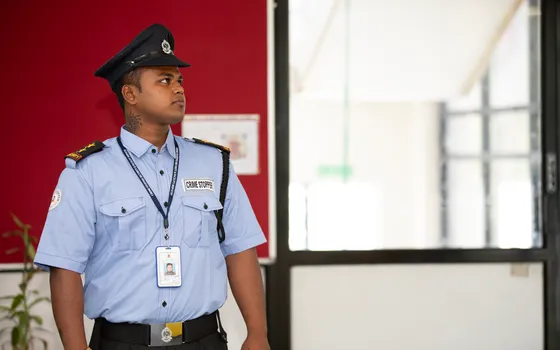
Access control by area
People on a permitted list open turnstiles, barriers or door locks at the stockroom and server room automatically when connected to the existing gate and door systems; strangers are refused and the system alerts immediately.

Greeting VIPs, tracking visitors
Visitor flows are automated: each pass through the lobby is recorded with a face photo and timestamp. VIPs on the list are recognized for a proactive welcome; an unregistered face appearing in a sensitive area notifies staff at once.
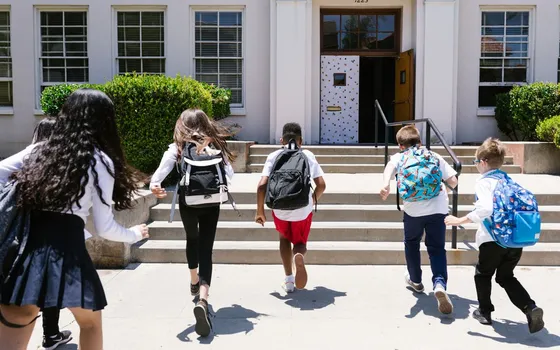
Student attendance
Cameras at the school gate and classroom doors record listed students with timestamps; a rule flags when a child passed the gate but never appeared at the classroom camera during class. Data feeds the school's management software for attendance reporting.
What you get
Complete entry and exit logs automatically
Every pass through the gate is recorded with a face photo and timestamp, with no card lending or proxy swiping.
Strangers are reported immediately
An unregistered face in a monitored area triggers an alert with a photo on the dashboard, mobile app and email.
Doors open only for listed people
Permitted people open barriers, turnstiles or locks automatically when connected to the existing gate system; expired entries drop off the list.
Attendance data ready for HRM
Entry and exit times are recorded per person and flow into the HRM software in use for payroll.
How deployment works
Step 1
Survey gates and people flows
Map the main entrances, eye-level camera positions and how security gets notified about strangers.
Step 2
Pick the deployment shape
On-site server for headquarters with many recognition points, or edge devices for standalone gates; face data stays inside the business.
Step 3
Register faces and set up lists
Each person uploads up to 5 photos from several angles; group people as staff, visitors or watch list with expiry dates.
Step 4
Tune and operate
Adjust matching thresholds per camera, enable door-opening and alert rules, then pilot one gate before expanding.
Infrastructure requirements: IP cameras from 720p, 2MP recommended, mounted at eye level over ONVIF or RTSP; barriers, turnstiles and locks open through the existing controllers. On-site server or edge devices.
Frequently asked questions
Can face attendance be fooled by a photo or a video?
The platform has an Anti-Spoofing engine, a separate license bundled with the face recognition license. The engine checks whether the face in front of the camera is real or fake (a printed photo, or a photo or video played on a phone screen) and labels each recognition real or fake, greatly reducing spoofing risk even though no technology blocks it absolutely; alert rules combine the label with the list, for example opening the door only when the face is real and on the permitted list.
Where is face data stored, and is it safe?
Raw data and records stay inside the business's system (on-site server or edge devices). When privacy protection is enabled, faces in search results, alerts and exported images are blurred; only accounts granted the unblur permission can view the originals, helping meet personal data protection rules.
Which cameras work, and do we need new hardware?
Use your existing IP cameras over ONVIF or RTSP, 720p or better. Mounting at eye level is recommended: at 2 m from the person the camera should sit at most about 2.15 m high; the face should span at least 80 px in frame (120 px recommended) for stable recognition. To open barriers, turnstiles or door locks, Vaidio signals the controller over HTTP Trigger or API; we survey and integrate with your existing gate equipment.
Related features
Put AI Vision to work in your operations
Turbo Solutions surveys your current system, demos against your real operating scenarios and quotes by scope of work. No disruption to daily operations.
Book a demo