
Smart alerts
Workplace safety monitoring with the AI cameras you already have
AI cameras watch workplace safety: missing hard hats, danger zones, falls and smoke are alerted with a photo while it happens.
The real-world problem
A plant or construction site has dozens of spots to watch: shop-floor entrances, machine areas, warehouses, fences. A safety officer on patrol cannot stand in front of every camera, so many violations are only caught when someone happens to walk by. Missing protective gear usually comes up again at the safety meeting, meaning the violation was found hours or days later. Small incidents such as a slip in a blind corner often go unrecorded, because the camera only records footage, so the business never learns which area violates the most. Workplace safety monitoring on Vaidio AI Vision works differently: AI video analysis is attached to the existing IP cameras to watch for missing hard hats and reflective vests, danger-zone entry, falls, smoke and fire. Every event is alerted with a photo to the safety officer while it is still happening.
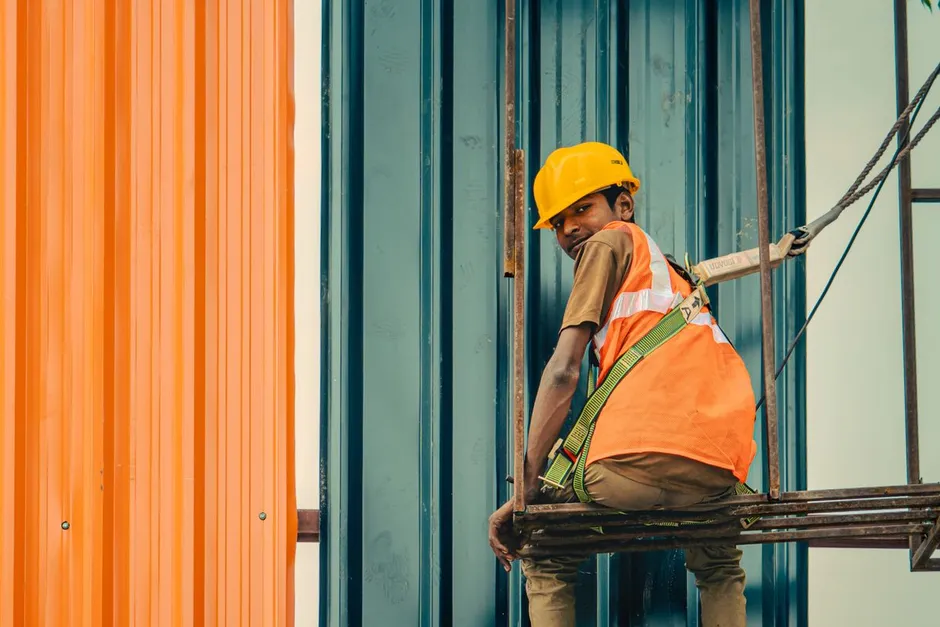
Alert: Missing hard hat · Assembly area
Plant 2 · Camera 03 · 10:14:52
How it works
01
Enable the right detection group per area
Each camera runs only the detection group that area needs: protective gear at entrances and shop floors, danger zones around machines and warehouses, falls in corridors, smoke and fire in fire-prone areas. Existing IP cameras connect via ONVIF or RTSP, the platform offers more than 30 AI models, and the recording infrastructure stays unchanged.
02
Draw zones and set alert rules per area
The business draws and edits zones on the video frame when the layout changes, without adding cameras. Each rule is set per area: who gets the alert, in which time window, and how, to avoid alert fatigue. The cooldown between two alerts at the same spot is set from 0 to 3,600 seconds. Rules also support combined conditions, for example alerting when a person is in the forklift area without a forklift alongside.
03
Alerts with a photo to the right person
Every alert carries a photo, the camera name and the violated zone, emailed to the person responsible for that area. On-site sirens, lights and speakers plus Zalo, SMS and Telegram messages can be connected; technically the system sends signals via HTTP Trigger or API after surveying the current setup.
Real-world applications
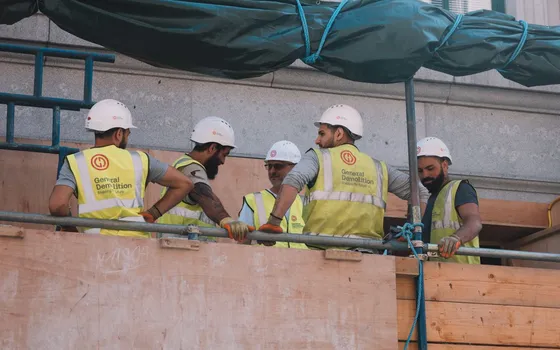
Shop-floor entrances and sites: missing hard hats, vests
The personal protective equipment (PPE) group checks each person inside the defined zone and alerts when a hard hat or reflective vest is missing. Both items are documented by the vendor and have been deployed on large construction sites. Where masks are required, add the face recognition engine, since mask checks belong to the face engine.
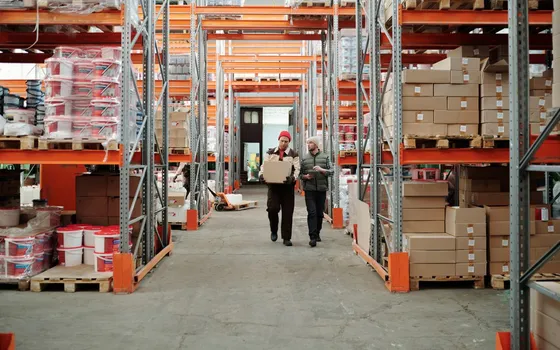
Danger zones around machines, warehouses and restricted areas
Three engines watch the boundaries together: intrusion alerts fire when someone enters a pre-drawn zone outside allowed hours, line-crossing alerts fire along fences, and restricted areas admit only people on the list, such as engineers only in electrical rooms.
Corridors and lone-work areas: falls
The fall detection engine alerts when someone falls or lies motionless beyond the configured time threshold, even in empty corridors and lone-work areas. The safety officer receives a photo to confirm, then heads to the scene.
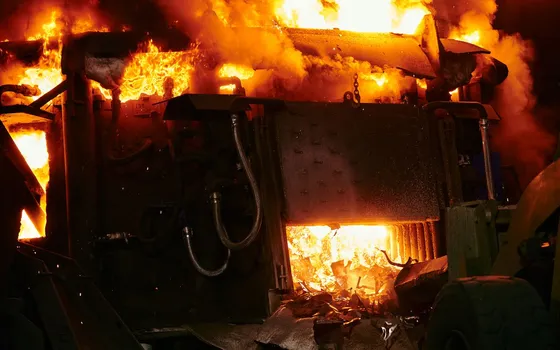
Warehouses, technical floors and fire-prone areas: smoke and fire
Smoke and fire are detected by dedicated models that require a separate license, fitting warehouses, technical floors and areas full of flammable material. Emergency alerts with a photo go to the on-duty person to confirm and respond early, even at night.
What you get
Violations alerted while still happening
The safety officer receives an alert with a photo as the violation unfolds. Measure the share of violations alerted immediately out of all violations recorded in the period.
Shorter response time
Confirm from the alert photo and head to the scene instead of waiting for someone to walk by. Measure the time from the incident to the officer knowing about it, before and after enabling.
Unstaffed areas stay covered
Dozens of cameras watch at once, including empty corridors and lone-work areas. Measure the share of required areas covered by AI, especially areas without a dedicated person.
Violation data by area and shift
Alert counts recorded by area, shift and month to rank renovations and pick training cases, instead of learning about violations hours or days later.
How deployment works
Step 1
Survey camera positions
Match each position against the area to watch: mounting angle, height, lighting, obstructions; conclude which cameras are usable and which need to be added.
Step 2
Enable engines per area
Protective gear at entrances and shop floors, intrusion alerts in danger zones, falls in corridors, smoke and fire in warehouses.
Step 3
Configure rules and alert recipients
Draw zones, set shift schedules and alert cooldowns, and assign clearly who receives alerts for which area on which channel.
Step 4
Two-week trial and training
Review false positives to tune thresholds and zones, train alert recipients to tell real events from false ones and handle each type.
Infrastructure requirements: Four steps complete within a few weeks depending on camera and area count. Existing cameras work, 2MP is the general recommendation, connected via ONVIF or RTSP. Recording infrastructure stays unchanged, the server stays on premises, footage is never sent to an external cloud.
Frequently asked questions
May a company use cameras to monitor its workers?
Yes, when the purpose is safety and work. The core condition is transparency: inform people in advance, state camera areas in internal rules, and never place cameras in private spaces such as restrooms or changing rooms. Data stays on the company's own servers, viewing rights go to authorized staff, and with privacy protection enabled faces in alerts are blurred. Businesses should check current regulations before deploying.
Which safety violations can AI cameras detect?
Four main groups: missing hard hats or reflective vests in designated zones; people entering danger zones or restricted areas; a person falling or lying motionless; smoke and fire. Each group runs on its own engine.
Do current cameras need to be replaced?
No. The system runs on new or existing IP cameras connected via ONVIF or RTSP, and integrates with many popular camera management systems and recorders. The server stays on the business's premises; footage is never sent to an external cloud.
Who receives violation alerts, on which channels?
Alerts with a photo, camera name and violated zone go by email to the person responsible for each area; on-site sirens, lights and speakers plus Zalo, SMS and Telegram messages can be added. Technically, signals are sent via HTTP Trigger or API; Turbo Solutions surveys the current system to choose the integration method.
Related features
Put AI Vision to work in your operations
Turbo Solutions surveys your current system, demos against your real operating scenarios and quotes by scope of work. No disruption to daily operations.
Book a demo