
Access control
License plate recognition for automated vehicle access
License plate recognition on existing cameras: match allowlists, open barriers automatically, alert on unknown vehicles.
The real-world problem
Guards juggle a logbook and the barrier, peak hours jam up, and the month-end reconciliation finds gaps in the records. An unknown vehicle entering the lot or the inner zone leaves no trace of what it was or when it came in. Vaidio AI Vision reads the plate of every vehicle passing in and out and matches it against the list; listed vehicles open the barrier themselves (connected to the existing gate system). Operations only handles the alerts.
Detected: truck 51B-123.45
Gate A · 14:32:05
How it works
01
Connect the existing gate cameras
IP cameras mounted low (under about 3 m) with less than 25° offset from the travel direction connect to Vaidio AI Vision; detection zones are drawn per lane, with up to 3 lanes per camera recommended. The system reads plates as vehicles pass, saving the image, vehicle class, color and timestamp; make and model are added when the make-and-model engine is enabled (separate license).
02
AI reads and matches plates
Reads Vietnamese plates well, both single-row car plates and two-row motorcycle plates. The reading mode follows lane speed: parking (slow, under ~16 km/h), urban (default, ~16-64 km/h) or highway (over ~64 km/h); confidence and minimum/maximum plate size are tuned per camera. Plates are matched against preset white/black lists; vehicles are searched by plate, color, and by make and model across 2,000+ vehicle makes and models with the make-and-model license.
03
Barrier and alerts by rule
Vehicle lists are typed in or bulk-imported from .txt files (plate, owner, validity), color-coded by group for distinct alerts; temporary plates with an expiry drop off the list automatically. Listed vehicles open the barrier or gate themselves (connected to the existing gate system); unknown vehicles or plates on a watch list alert immediately with an event clip as evidence.
Interaction diagram: the full operating flow
The diagram displays best on desktop; on mobile it can still be viewed by dragging and zooming.
Real-world applications
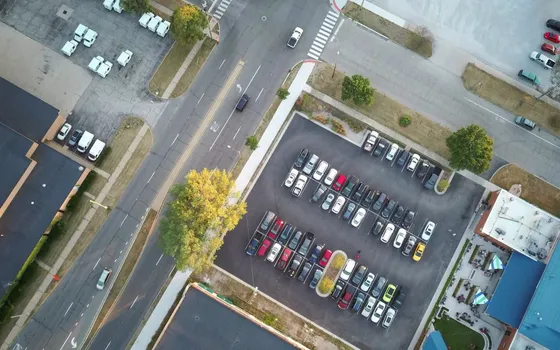
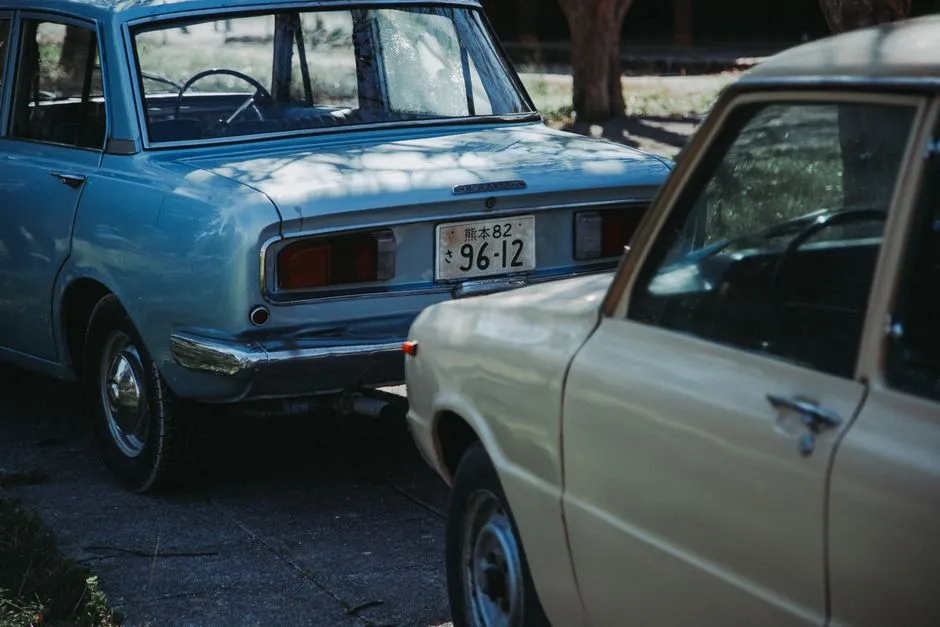
Parking lots and garages
Every vehicle pass is recorded by plate with image and timestamp, reconcilable with the parking software already in use. Combine with counting analytics to alert when occupancy passes a threshold, and with vehicle tracking to spot illegal parking and ease peak-hour congestion.
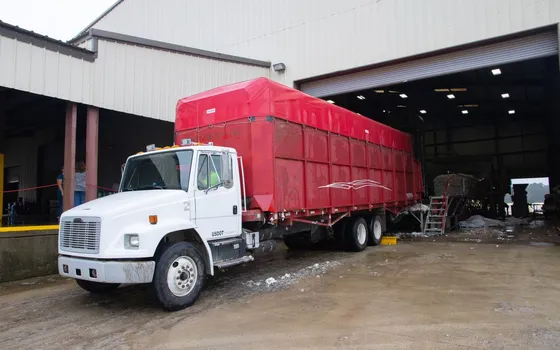
Industrial parks and warehouses
Controls vehicles entering goods areas, records entry history with photo evidence and counts trips per gate for reconciliation with contractors and trucks.
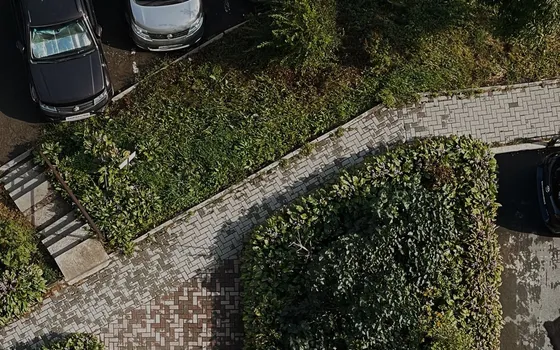
Residential complexes
Residents' vehicles are recognized automatically; unknown vehicles entering the grounds are recorded and flagged to security. Suspicious plates go on a blacklist for watching.

Headquarters, hospitals, public agencies
Executive and ambulance vehicles sit on a color-coded list; listed vehicles alert security or open the barrier themselves. Every pass is recorded for later lookup.
What you get
Barriers open without a logbook
Listed vehicles are recognized at the gate and the barrier opens itself when connected to the existing gate system; guards only step in on alerts.
Every pass carries its own evidence
Each pass stores plate, vehicle image and timestamp; look back by full or partial plate.
Unknown and watch-list plates alert at once
Plates outside the list or on the blacklist trigger alerts with an event clip attached as proof.
Straightforward reconciliation with parking software
Plate, image and timestamp of every pass go to the parking software in use; occupancy is tracked through vehicle counting analytics.
How deployment works
Step 1
Survey gates and lanes
Decide camera positions under about 3 m, mounting offset under 25 degrees from the direction of travel, and how many lanes to read.
Step 2
Pick the deployment shape
On-site server for gates with many lanes plus other vehicle analytics; edge devices for side gates and remote lots without a server.
Step 3
Enter vehicle lists and set rules
Whitelist and blacklist typed in or bulk-imported from .txt files; set barrier-opening and alert rules per vehicle group.
Step 4
Tune and operate
Choose the reading mode by lane speed, tune confidence thresholds per camera and test together with the parking software in place.
Infrastructure requirements: IP cameras mounted under about 3 m with offset under 25 degrees, 2MP recommended, connected over ONVIF or RTSP; barriers open through the existing gate controller. On-site server or edge devices.
Frequently asked questions
Does it read angled plates or fast-moving vehicles?
Angled plates still read when the mounting is within limits: horizontal and directional offset both under 25°, with the plate spanning at least about 100 px in frame. Maximum readable speed depends on camera height, angle, field of view and resolution; for fast vehicles or glare, we tune shutter speed (1/250-1/500) and enable WDR/HLC for the best results.
Does it integrate with our barrier and parking software?
Yes. Vaidio opens barriers over HTTP Trigger or API and sends each pass's plate, image and timestamp to the parking software you already use. Vehicle lists are managed right in the interface; history is searched by full or partial plate, filtered further by class, color, make and model, and time window.
What about cost and deployment time?
Depends on the number of lanes, cameras and integration requirements. After the gate survey we deliver a specific proposal with the installation timeline.
Related features
Put AI Vision to work in your operations
Turbo Solutions surveys your current system, demos against your real operating scenarios and quotes by scope of work. No disruption to daily operations.
Book a demo