
Smart alerts
Early smoke and fire detection on existing cameras
Catches smoke and flame the moment they start and alerts with on-site sirens, tuned per environment, on existing cameras.
The real-world problem
Big fires start as a wisp of smoke in a corner nobody watches. Cameras merely record for later. By the time someone smells burning, it is late. Vaidio AI Vision analyzes every frame, and the moment smoke or flame appears inside a monitored zone the system alerts and triggers the on-site sirens and lights (when connected) so people can move in time.
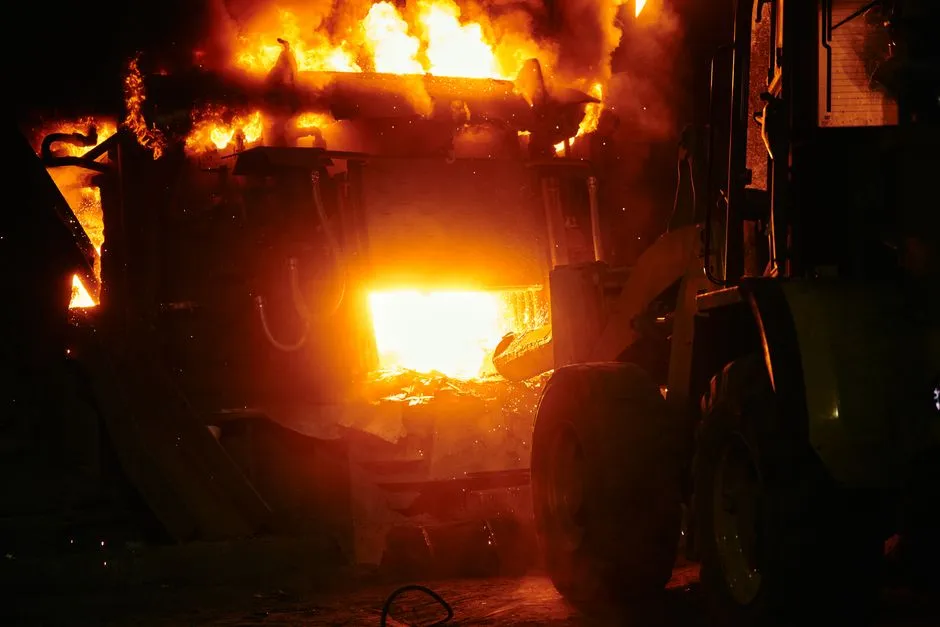
Alert: smoke · Goods warehouse B
Warehouse camera 3 · 14:32:05
How it works
01
Enable smoke and fire detection per camera
IP cameras at warehouses, plants, parking decks and corridors connect to Vaidio AI Vision over the internal network. Detection uses a dedicated smoke-and-fire AI model (separate license) running alongside the intrusion engine: zones are drawn in any shape and may overlap, kitchens and flammable goods get their own zones, and each zone selects smoke and flame as its object types.
02
AI scans every frame for smoke and flame
The model recognizes smoke and flame as their own object types, recommended at 30 px or larger in frame. Nuisance patches (kitchen exhausts, vehicle smoke outside) become exclusion zones where nothing is recognized. Confidence and sensitivity are tuned per environment: requiring smoke or flame across more frames yields fewer false alarms; fewer frames means earlier alerts.
03
Alert immediately and keep evidence
A smoke or fire detection alerts at once to the dashboard, mobile app and email; connects to Zalo, SMS, Telegram and on-site sirens, lights and speakers. The cooldown between alerts runs 0 to 3,600 seconds to avoid repeats while smoke stays in the zone. Events land in history with detection images, filterable by zone and time window for post-incident review.
04
Combine with third-party smoke and chemical sensors
Beyond camera imagery, the system combines video analytics with third-party smoke and chemical-leak sensors. An incident is recognized from multiple signal sources: camera images and sensors.
Real-world applications
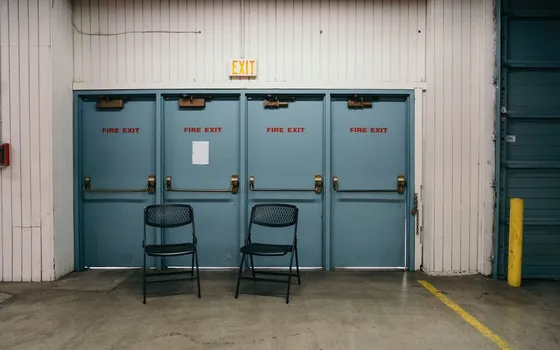
Plants and warehouses
Sparsely staffed areas where a night fire goes unnoticed: cameras watch for smoke and fire 24/7 and alert even with nobody on site.
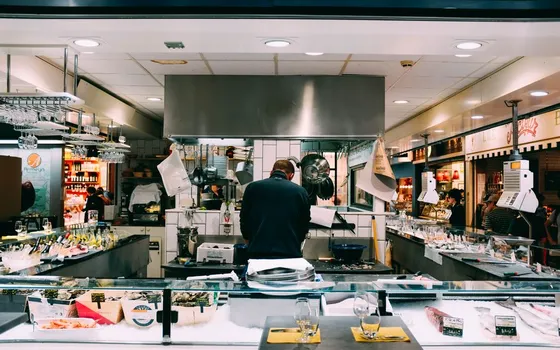
Restaurants, kitchens, technical rooms
Heat-generating equipment and electrical leak risks. Catch smoke early and handle it before flame spreads to customers and property.
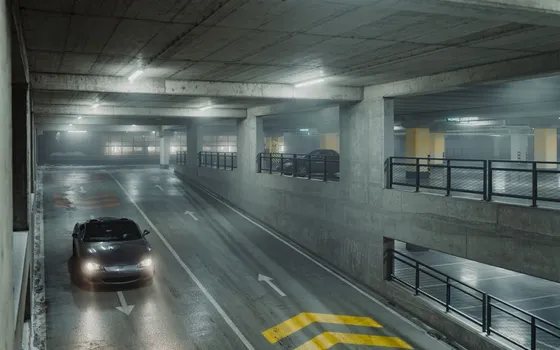
Basement parking and hidden corridors
Corners nobody passes are where fires quietly spread. Each camera covers its own zone and alerts the moment smoke or flame appears.
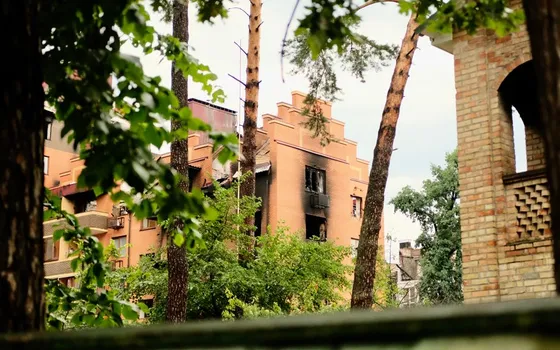
Post-incident review
Retrieve the footage of the first appearance of smoke to locate the fire's origin for safety assessment and insurance procedures.
What you get
Smoke and flame alerted the moment they start
The dedicated smoke-and-fire model scans every frame; smoke or flame inside a monitored zone alerts the responsible team with images, without waiting for someone to smell burning.
On-site sirens and lights fire with the event
Alerts connect to existing sirens, lights and speakers so people in the area move at once, even when nobody is watching the cameras.
Fewer false alarms in kitchens and noisy spots
Kitchen exhausts and cooking areas become exclusion zones; the confidence threshold and the number of confirming frames are tuned per environment during deployment.
Evidence kept complete for post-incident review
Every event keeps the images from the moment of detection, filterable by zone and time window to locate the fire origin for safety assessment and insurance procedures.
How deployment works
Step 1
Survey the fire-prone areas
List warehouses, plants, kitchens, technical rooms and hidden corridors; check which cameras cover them and where the view falls short.
Step 2
Pick the deployment shape
On-site server or edge devices for areas with few cameras; decide who receives alerts per area and how on-site sirens, lights and speakers are triggered.
Step 3
Draw monitored zones and set thresholds
Kitchens, exhausts and nuisance patches become exclusion zones; each zone selects smoke and flame as object types and sets the cooldown between alerts.
Step 4
Tune per environment and operate
Run against each camera’s real footage, raise thresholds or add confirming frames to cut false alarms, then expand to the remaining areas.
Infrastructure requirements: IP cameras from 720p, 2MP recommended, ONVIF or RTSP, existing cameras stay in place. On-site sirens, lights and speakers plus Zalo or email notifications connect as add-ons. On-site server or edge devices.
Frequently asked questions
Can we use our current cameras, or must we buy dedicated fire cameras?
Existing surveillance IP cameras connect and work right away (RTSP/ONVIF). For kitchens and high-temperature areas, we survey the mounting positions so the imagery suits AI analysis.
Do cooking smoke, dust and fog trigger false fire alarms?
Cooking smoke, dust, steam and fog look close enough to smoke that false alarms remain possible. Handling: draw kitchens and exhausts as exclusion zones (nothing is recognized inside), raise the confidence threshold and require the smoke to appear across more frames before alerting. We tune against each camera's real footage during deployment, kitchens included.
What happens after the system alerts?
On-site sirens, lights and speakers fire so people can evacuate; the responsible team receives the alert with images on the dashboard, the Vaidio mobile app and email. Interfacing with the building's existing fire alarm system is advised during the survey.
We already have smoke and chemical sensors. Can they be combined?
Yes. Installed smoke and chemical-leak sensors feed signals into Vaidio AI Vision over API or HTTP Trigger; the system cross-checks the camera view at that exact position to verify before alerting, so the team knows at once whether there is a real fire or a sensor false positive.
Does lingering smoke trigger alert after alert?
Duplicate-event merging can be switched on or off: on, smoke and flame must leave the zone and return before a new alert; off, alerts repeat on the preset cooldown while smoke stays in the zone. Every event lands in history for reconciliation.
Related features
Put AI Vision to work in your operations
Turbo Solutions surveys your current system, demos against your real operating scenarios and quotes by scope of work. No disruption to daily operations.
Book a demo