
Access control
Retail footfall counting and behavior analytics on the cameras you already have
Count store visits on your existing security cameras: dwell time by zone, peak hours, movement paths and revenue per visit.
The real-world problem
Revenue reports show how much was sold, not how many visits came through the door. When revenue grows, it is unclear whether more people visited or each visit spent more; when revenue falls, it is unclear whether fewer people came or visitors walked out without buying. Shift scheduling still relies on the manager's impression, while real peak hours change by weekday, by season and with every promotion; without hourly presence numbers, shifts get split evenly, busy hours run short-staffed and quiet hours leave staff idle. Promotions are just as hard to measure: revenue rises during a discount period, but the share coming from new visits cannot be separated from the share coming from existing customers spending more, and without visit counts as a common denominator, campaigns and branches cannot be compared against each other.
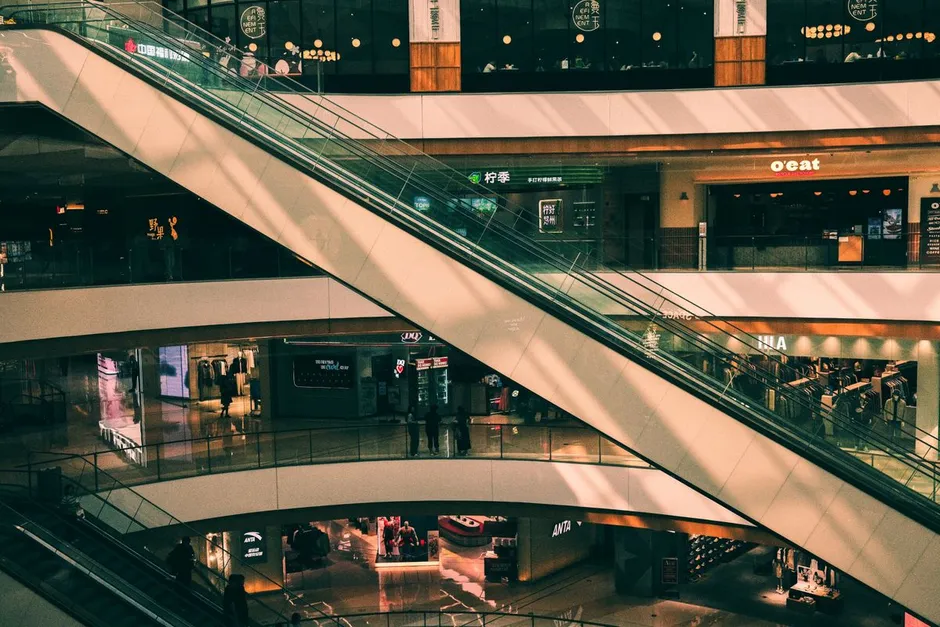
Visitors in store: 23 · Peak hour
Main entrance line · 11:04:22
How it works
01
Count visits across a line at the door
Object Counting tracks how many people cross a line or stand inside a zone, updating continuously; per the vendor's published figures, counting accuracy reaches 95%. The line sits at the main entrance, and any zone that needs its own number gets an extra line or zone.
02
Read behavior inside the store
Person Tracking follows each person across consecutive frames, showing how long each visitor stays in a zone (dwell time), how many people are in the store at any moment of the day, and which paths visitors take between zones. Numbers are stored hourly for day-to-day comparison.
03
Review footage of any unusual period
When a number deviates from the norm, a sudden visitor spike or an unusual lull, search the footage of that hour with an everyday sentence. Results come back with images and time windows, so the cause is right there to compare: a new display, a crowd, an incident in the next zone. All three capabilities share the same camera and server infrastructure as the store's other security analytics, so adding a measurement layer needs no separate system.
Real-world applications
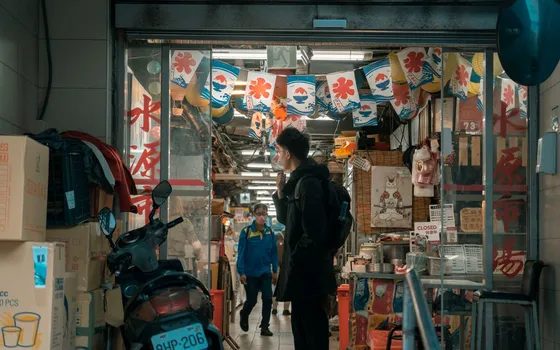
After-hours behavior alerts
Anyone entering the store outside opening hours or lingering inside a drawn zone triggers an alert with a scene photo sent to the person in charge, running on the same system as visitor counting.
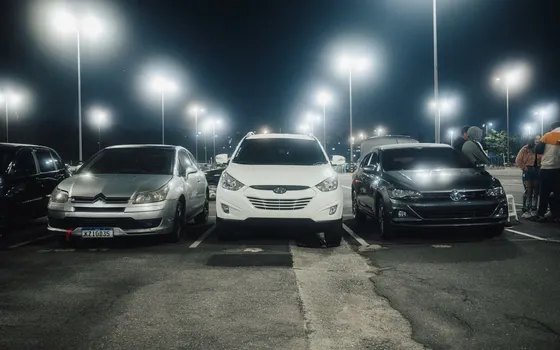
Parking lot and vehicle entrance
License plate recognition logs vehicles entering and leaving the lot with timestamps, reading Vietnamese plates including two-line motorcycle plates; history shows how often each plate returns, a reference signal for groups of frequent visitors.
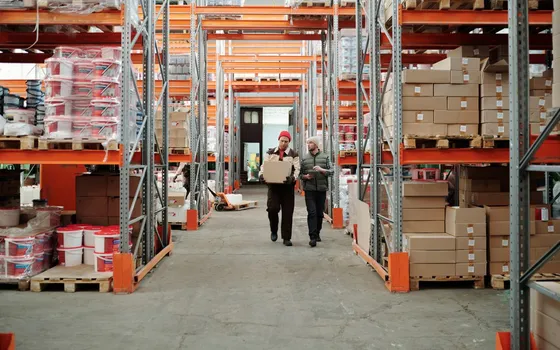
People counting in restricted zones
Back storeroom, equipment room, high-value goods area: the system tracks how many people are present and alerts when the count passes a set threshold or when someone enters a zone that is off limits.
Privacy blurring on request
With privacy protection enabled, faces in search results and exported images are blurred; unblurred data is visible only to authorized users.
What you get
Average revenue per visit
Daily revenue divided by the same day's visits gives the basic metric of a point of sale; tracking it across periods shows whether a promotion brought new visitors or only raised spend from the same visitors. Measured by: average revenue per visit per week, compared across two periods.
Shifts built on measured peak hours
Hourly presence numbers replace impressions when scheduling; staff concentrate in genuinely busy hours and leave quiet ones. Measured by: the share of staff placed in the highest-traffic hours before and after using the data.
Know which zones keep customers
Dwell time by zone shows where customers stop and where they just pass by, used to retest product displays and the layout of aisles. Measured by: average dwell time per zone before and after a display change.
Comparison across branches
Visits, revenue per visit and peak hours roll up per location on one system. Measured by: a branch-to-branch comparison table in the monthly report, benchmarked against each location's baseline.
How deployment works
Step 1
Survey the store, pick cameras and draw lines
Review main and side entrances, choose cameras that cover each entry, and place counting lines at the doors. IP cameras from 720p up, connected via ONVIF or RTSP, can be reused; zones without coverage get extra cameras. The system connects to more than 30 VMS and NVR platforms already in operation, so the usual camera view stays in place.
Step 2
Configure dwell-time zones
Draw a zone for each area to measure: key shelves, promotion areas, checkout counters. A zone only records when a customer steps in, and opening hours follow the store's business hours.
Step 3
Pilot against a hand count for a few days
Store staff hand-count a few time windows, compare with the system's numbers, and adjust line positions and zone boundaries based on the results before the data feeds reports.
Step 4
Wire the numbers into weekly and monthly reports with permissions
Visits, revenue per visit and dwell time by zone go into weekly and monthly business reports. Viewing rights follow management level: store managers see their own location, the chain office sees the rollup.
Infrastructure requirements: Once the first locations run steadily, the same configuration template applies to the next branch, with lines and zones redrawn for each store's floor plan.
Frequently asked questions
How is this different from a standalone people counter?
A standalone counter mounts at the door and reports passage counts, which fits when the need stops there. This application reuses the security cameras already installed, covers several doors and several zones of the same store, and adds a behavior layer: dwell time by zone, hourly presence numbers, movement paths. The same system also runs the store's other security alerts. In exchange, this option needs a processing server and a setup step for lines and zones per location.
Does the data store anyone's identity?
No. The data consists of visits, durations and zones, measured on anonymous people, with no identity stored. With privacy protection enabled, faces in search results and exported images are blurred, and only authorized users can view the originals. Stores should state the measurement method in their house rules and use the data for operations.
Can the store's existing cameras be reused?
IP cameras from 720p up, connected via ONVIF or RTSP, can be reused, and the system connects to more than 30 VMS and NVR platforms already in operation. Analog cameras work after their signal is converted to IP. Processing runs on a server at the store or at the chain's center, and video and data are never sent to an external service.
When can the numbers go into reports?
Numbers appear as soon as configuration is done, but a few days of trial runs and a comparison against a hand count are recommended before the numbers enter official reports, since results depend on mounting angle, lighting and visitor density at peak hours. Once lines and zones are finalized, hourly numbers plug straight into weekly and monthly reports.
Related features
Put AI Vision to work in your operations
Turbo Solutions surveys your current system, demos against your real operating scenarios and quotes by scope of work. No disruption to daily operations.
Book a demo