
Smart alerts
Safety incident management on the cameras you already have
AI flags smoke, fire, falls and intrusions on existing cameras, alerts the person in charge with a photo, who confirms and closes the incident.
The real-world problem
Incidents happen in corners nobody watches, and cameras only record until someone runs over with the news: a smoky warehouse at 2 am, a worker fallen in an empty aisle, a stranger inside the machine area after hours. Late detection makes the damage worse, and afterwards no one can say exactly when and where it started. This application runs Vaidio AI Vision on the cameras already mounted: AI detects the incident and alerts the person in charge with a photo, who confirms and closes the event; the history stays available for analysis and training.
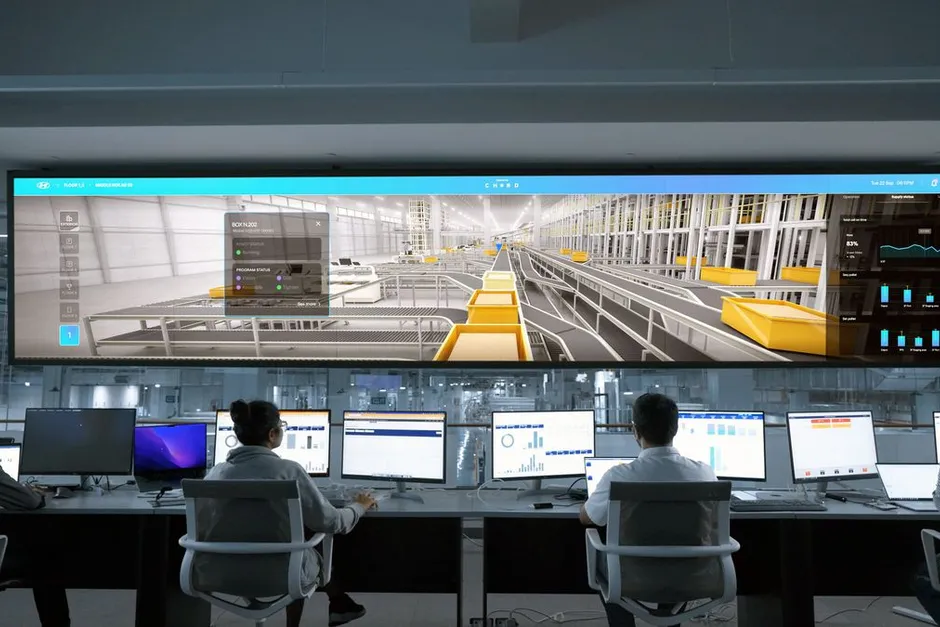
Alert: smoke in finished goods warehouse B
Warehouse camera 3 · 02:14:37
How it works
01
Turn on incident analytics per risk area
Existing IP cameras in warehouses, production floors, corridors and fences connect to Vaidio AI Vision over ONVIF or RTSP. Each camera gets the analytics its area needs: smoke and fire in the material warehouse, falls in corridors and low-traffic zones, intrusion in restricted areas on a schedule. Detection zones are drawn directly on the camera view and redrawn whenever the layout changes.
02
AI detects and alerts with a photo
When AI sees smoke, fire, a fallen person, someone entering a forbidden zone or a crowd forming suddenly, the system sends an alert with a scene photo, camera name and time to the person in charge over Zalo or email. Horns, lights and speakers in the area sound immediately so the nearest person can act first. Cameras that freeze or drop connection are reported too, so no corner stays silent.
03
Handle through the factory incident process
The responsible person reviews the alert photo, confirms whether it is real or a false alarm and handles it in the existing process. Each alert is stored with camera, timestamp and photo; query by time, area and event type in plain language or export to Excel. The data supports cause analysis and training.
Real-world applications
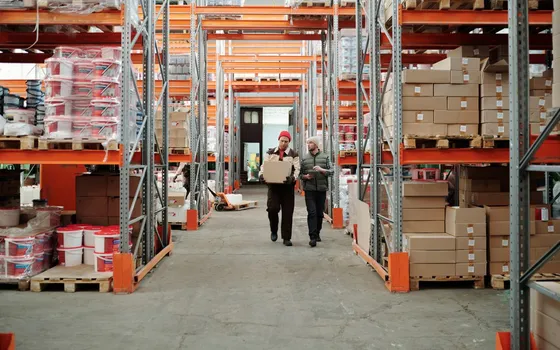
Material and finished goods warehouses
Smoke or fire inside a warehouse is detected by the cameras watching it; the on-duty person gets an alert with a photo on the phone and can confirm right away, even on empty night shifts.
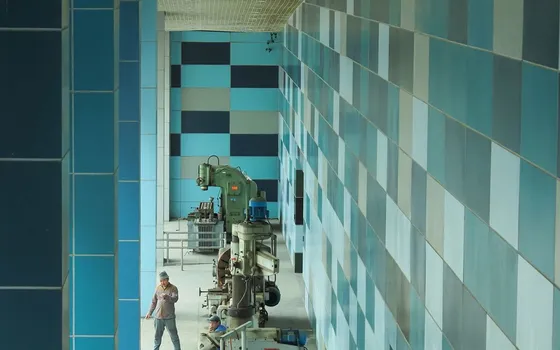
Production floors and low-traffic corridors
A person falling or lying still in a blind corner is detected against a time threshold and reported immediately, without waiting for someone to pass by by chance.
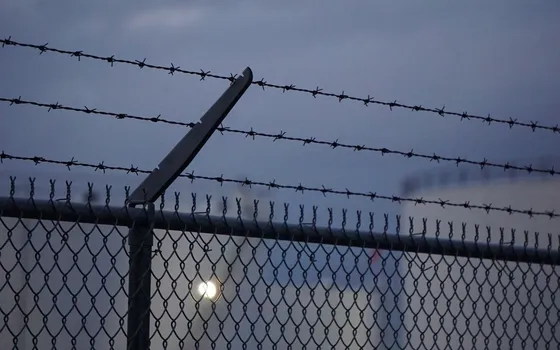
Restricted areas, fences, night shifts
Anyone entering the machine or electrical area outside allowed hours triggers an alert with a photo and timestamp; the guard reviews the photo before walking over and tells a person apart from shadows or moving debris.
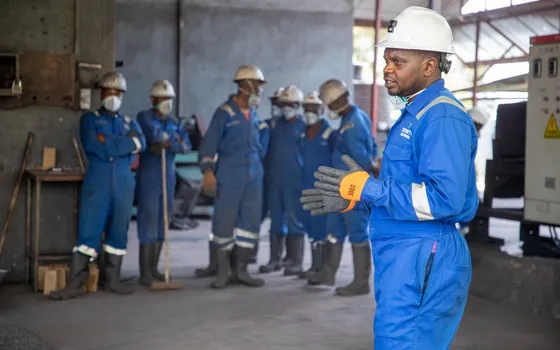
Root-cause reviews and safety training
The incident history by area, shift and month shows which zones report most; photos and event videos are pulled straight into safety meetings to discuss causes and train workers.
What you get
Events spotted during the shift
Smoke and fire, falls, intrusions and abnormal behaviour alert the area owner right away with photos.
Alerts carry photos and locations
Each alert keeps the frame, camera name and area; real or false labels help refine the rules.
Complete incident records
Every alert stores camera, timestamp and photo; search by area, time window and event type in plain language.
Data for cause analysis and training
Statistics by area and time window prioritize upgrades and build safety training scenarios.
How deployment works
Step 1
Survey the risk areas
List the areas where incidents happen: warehouses, technical floors, empty corridors, forklift lanes; check camera coverage.
Step 2
Pick the deployment shape
On-site server or edge devices; define who receives alerts per area and through which channel.
Step 3
Draw zones and rules per area
Restricted zones, time windows and thresholds set per area; connect on-site sirens and lights for instant response.
Step 4
Tune and operate
Pilot one area, check the false-alarm rate, tighten the rules, then extend to the rest.
Infrastructure requirements: IP cameras from 720p, 2MP recommended over risk areas. On-site sirens, lights and Zalo or email alerts can be integrated. Server placed in the factory or on edge devices.
Frequently asked questions
Which incidents can the AI detect?
The groups with dedicated engines: smoke and fire with a specialized model; a person falling or lying abnormally beyond a time threshold; entry into restricted zones or over fences outside allowed hours; abnormal behavior such as loitering or sudden crowding; frozen or offline cameras. Gas leaks and temperature rises belong to dedicated sensors, which cameras do not replace; third-party sensors can be combined so the camera verifies the scene at the alarm location.
What if there are too many false alerts?
Narrow the detection zone to the exact area, set schedules per shift (night only, off hours) and a cooldown between alerts for the same spot, configurable from 0 to 3,600 seconds. Alerts carry photos, so the person in charge triages before walking over; zones that stay noisy get redrawn against the actual site.
How do alerts and on-site horns connect?
The system sends alerts with photos over Zalo or email to the person in charge; horns, lights and speakers in the area, plus SMS and Telegram notifications, connect as add-ons. Technically, these devices receive signals from Vaidio over HTTP Trigger or API; Turbo Solutions surveys the existing equipment to pick the connection.
Where is incident data stored and how is it retrieved?
Photos and incident history stay on the company's own server, not on an outside cloud. Search past events by time range, area or type and export the results to Excel. When the privacy protection feature is on, faces in alert photos and exports are blurred; only authorized accounts can view the original.
Related features
Put AI Vision to work in your operations
Turbo Solutions surveys your current system, demos against your real operating scenarios and quotes by scope of work. No disruption to daily operations.
Book a demo