
When discussing an AI camera deployment, infrastructure and operations come with their own vocabulary: on-premise, edge, VMS, ONVIF, license, federation. This article explains each term the way Vaidio AI Vision uses it, so nothing in a technical proposal or contract slips past unread. Feature terms are in the companion article Image recognition terms.
Deployment architecture
On-premise
A deployment shape that places the analytics server inside the business’s own infrastructure (NVIDIA GPU servers); video data stays entirely within the customer’s system. Compared with edge, on-premise runs many engines in parallel for many cameras in one central place. The budget for both shapes is discussed on the Deployment cost page.
Edge (NVIDIA Jetson based)
A device installed at each site, running one feature for around 4 cameras and sending alerts over mobile networks. Edge does not yet offer object search or camera health monitoring; those belong to the Core server. See Vaidio Edge.
Vaidio Core
The main analytics server: runs many engines in parallel on one video stream, stores metadata and serves search. Cameras from 2MP/1080p are recommended. Platform overview in Multi-task AI camera.
Node
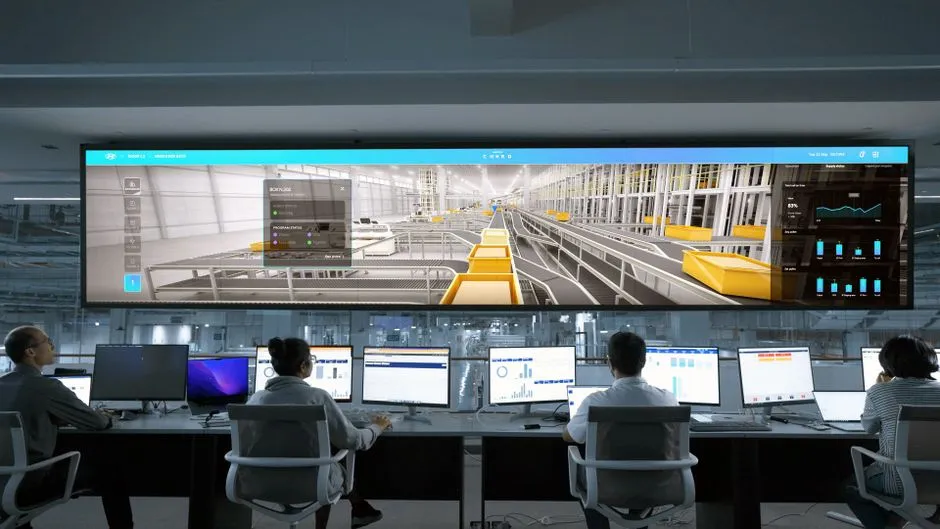
One Vaidio Core server or edge device registered to the Command Center. The center approves, monitors, licenses, backs up and upgrades each node; according to the manufacturer’s documentation, one center manages more than 100 nodes depending on network capacity.
Federation
The architecture that links multiple sites to a Command Center: each site runs independently, so one site losing connectivity does not stop the rest.
VMS (video management software)
The software that operates the camera system (Milestone, Genetec and others). Vaidio does not replace the VMS; it adds an AI layer on top, integrating at five levels from sending alerts to searching inside the VMS.
Connections and signals
ONVIF / RTSP
The two connection standards for cameras and recorders that Vaidio uses to receive video streams from the existing system, with no need to replace cameras.
NVR (network video recorder)
A network recording device. Vaidio integrates with more than 30 VMS/NVR platforms in operation; the integration list is on the Multi-task AI camera page.
HTTP Trigger / API
How Vaidio sends signals and data to other systems: opening barriers, pushing attendance records to HR software, receiving sensor signals. A practical example in the Face attendance solution.
Barrier (gates and controlled doors)
Barriers, turnstiles, magnetic door locks and floor-splitting elevators are the devices that receive control signals from Vaidio over HTTP Trigger or the API when the right person or vehicle arrives. Vaidio does not control the devices itself; it only sends signals to the existing gate system. The full picture is in Access control for people and vehicles.
Operations and licensing
License
The right to enable one feature on one camera. Licenses are issued and managed centrally from the Command Center; a site that loses connectivity temporarily falls back to a trial license and recovers it on reconnection. The feature catalog is on All features.
Camera Health
The function of the Vaidio Core server that checks every camera automatically: lost connection, frozen frames, blurry images, blocking, shifted angle, changed resolution. Edge devices do not support this yet. See Camera health and tamper alerts.
Vaidio Data
The platform that collects metadata from Core servers into statistics, charts and reports; API available from version 9.1. See Vaidio Data.
Power BI
Microsoft’s data analytics software. Vaidio Data connects to Power BI to dig deeper into camera statistics and bring them into management reporting.
Support Portal
The remote technical support channel alongside email: 5 days a week, 8 hours a day. The support terms are in the Warranty and maintenance policy.
EULA
The end-user license agreement of the manufacturer Vaidio (vaidio.ai/eula); trial versions are provided as-is. Commercial terms are set out in the contract between the two parties.
RMA / DOA
The hardware repair or replacement process (RMA) and the dead-on-arrival process (DOA, within 30 days of shipment). The exact terms are in the Warranty and maintenance policy.
UniV
The Turbo platform that operates the chat window on this website. Chat content is stored on the UniV system and processed by an AI service with personal information replaced by placeholder codes before processing.
Companion articles: Image recognition terms · AI Vision resources · Multi-task AI camera · Deployment cost