
Centralized management
Camera health monitoring with instant failure alerts
Watches every connected camera: signal loss, faults, blocking and tampering all alert immediately, around the clock.
The real-world problem
With a few dozen cameras, some fail without anyone noticing: the wall of monitors looks normal while one feed has gone blurry, blocked or knocked off angle. The gap is found only when that camera's evidence is needed. Vaidio AI Vision tracks every connected camera and alerts the moment one behaves abnormally.
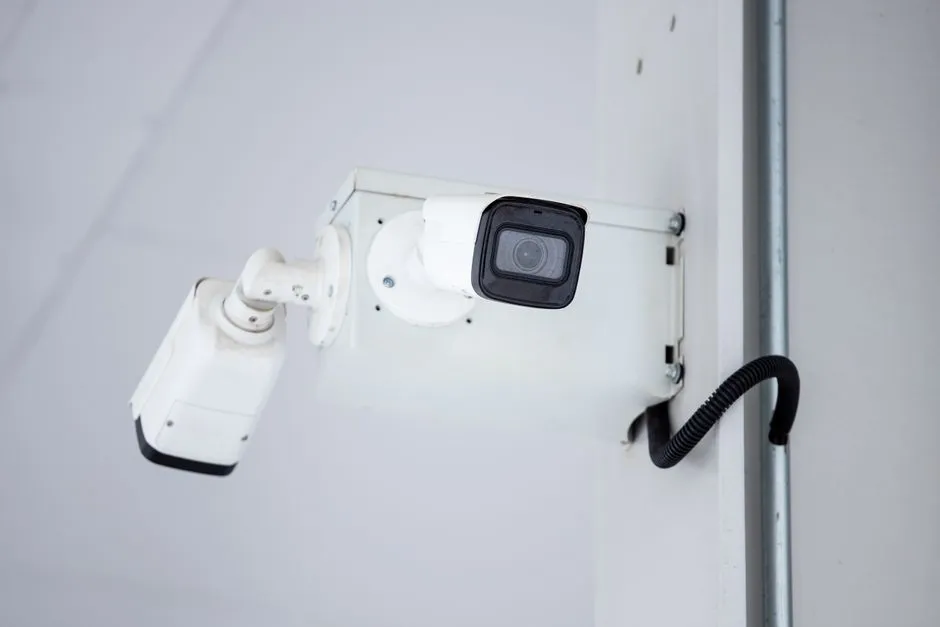
Alert: Camera 12 · signal lost
Warehouse A · 14:32:05
How it works
01
Bring every camera onto one platform
Cameras connect to the Vaidio Core server. Each camera gets a reference image (its normal view) for comparison, and health-check schedules run by the clock.
02
Automatic fault detection
Lost connection, frozen picture, blur (dirty or out-of-focus lens), blocking, knocked-off angle or changed resolution: an abnormal camera shows a red icon and is reported immediately, with its position on the map.
03
Alerts before it is too late
Set rules for when a camera turns abnormal: alerts reach the dashboard, mobile app and email; connect Zalo, SMS and Telegram so maintenance fixes the right camera before an incident finds the blind spot.
Real-world applications
Large multi-site camera systems
One health view across every site instead of local checks at each one.
Security-critical areas
A deliberately blocked or turned camera is caught immediately, not after the fact.
Maintenance where it matters
Work orders target cameras that are actually faulty, saving routine sweeps.
Reconciliation with maintenance vendors
Uptime and fault history back up service-level discussions.
What you get
Camera failures surface early
The server checks every camera on schedule; lost connections, frozen frames and blocking show up as abnormal status on the dashboard instead of waiting until footage is needed.
No manual checks, camera by camera
Alerts carry the camera name and reach the right owner on the dashboard, mobile app and email, so the first repair visit targets the right spot.
AI features run on trusted video
Face recognition, intrusion alerts and counting stay accurate only while cameras feed healthy video; health monitoring flags failing cameras before AI data goes missing.
Status history backs maintenance
Each camera keeps a status timeline; export the event list to Excel to hand over and reconcile maintenance work.
How deployment works
Step 1
Connect cameras to the Vaidio Core server
Existing cameras connect over ONVIF or RTSP; health monitoring runs on the Core server, so no extra hardware goes on the cameras.
Step 2
Capture reference images and set schedules
Each camera stores one reference image of its normal view; health-check schedules run hour by hour and day by day.
Step 3
Set alert rules per owner
Choose the states to report and who receives them: dashboard, mobile app, email; sirens, lights and speakers connect for on-site alerting.
Step 4
Operate and reconcile maintenance
Follow the status history to plan cleaning and replacements; export Excel to reconcile with the maintenance vendor each period.
Infrastructure requirements: Existing IP cameras connect over ONVIF or RTSP; the feature runs on the Vaidio Core server (edge devices not supported), so cameras and recorders stay as they are.
Frequently asked questions
How does the system know a camera stopped working?
It watches connection state, frame freshness and picture quality against each camera's reference image; lost signal, frozen frames, blur and resolution changes all flip the camera to abnormal and trigger alerts.
Does it catch deliberate blocking or turning?
Yes. Blockage and angle changes differ from the reference image and are detected, with the event recorded for review.
Does it run alongside other AI features on the same camera?
Yes. Health monitoring runs in parallel with analytics features on the same stream.
Related features
Put AI Vision to work in your operations
Turbo Solutions surveys your current system, demos against your real operating scenarios and quotes by scope of work. No disruption to daily operations.
Book a demo