
Search & investigation
Tracking people and vehicles across CCTV cameras
Track one person or vehicle across CCTV cameras, stitched into a journey on the map, without screening monitor by monitor.
The real-world problem
One person walks from the gate to the lobby, up the elevator, out to the parking area: passing five cameras on five different recorders. Rebuilding that journey today means a guard reading tape on each screen. Vaidio AI Vision follows the object across cameras and stitches the route onto a map automatically.
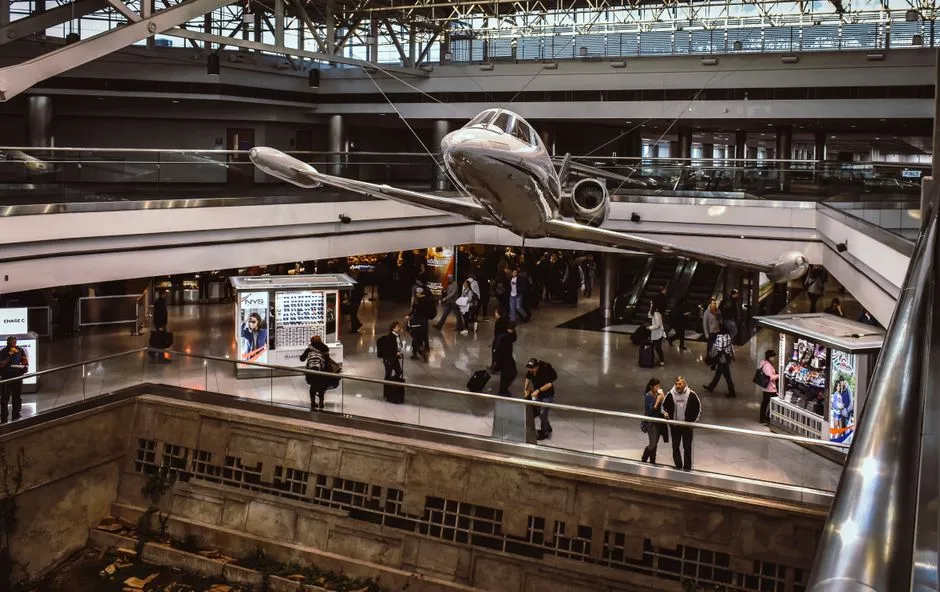
Journey: Gate 1 → Lobby B → Elevator 3
5 cameras · 12:41 → 12:44
How it works
01
Pick the object to track
Search for the person within the time window and cameras, pick the right one from a result and hit track. The system matches by appearance, clothing style, features and carried items (backpack, bag).
02
AI links traces across cameras
The tracking board shows the object's images across the chosen cameras, ordered by time or by similarity. The similarity threshold is adjustable (default 80): raise it to accept only close matches, lower it to widen the net when the trail breaks.
03
The journey on a map with footage
The route appears on a GPS map or an indoor floor plan with direction arrows; click each point for detail images and video playback when the camera connects to an NVR. Tracking results export to file for investigation records.
Real-world applications

Industrial parks and plants
Rebuild where an unauthorized person moved through the site, across production and warehouse cameras.
Malls and retail
Trace a customer or staff member's path across floors to settle a dispute or find a lost item.
Airports and hospitals
Follow a passenger or patient across zones without screening every monitor, to answer when and where precisely.
Vehicles at warehouses and yards
Track a vehicle across gate and yard cameras to review its stops and handling.
What you get
The journey stitched for you
Pick one appearance and the system lines up similar appearances on other cameras into a time-ordered route.
Hours of tape-reading removed
The tracking board shows the object at each point; click through for details and playback instead of screening monitors one by one.
Results stay reviewable
The similarity threshold adjusts in the dashboard; remove a misidentified image and add up to five sample images to refilter closer.
Investigation records export cleanly
Routes with images export to .xlsx for case files, carrier reconciliation or handover to authorities when needed.
How deployment works
Step 1
Survey routes and cameras
Draw the routes people and vehicles take and list the cameras along them; how complete the stitched journey gets follows that camera set.
Step 2
Pick the deployment shape
Cross-camera tracking runs on the server inside the business infrastructure; the number of cameras to enable decides licensing and sizing.
Step 3
Connect and enable tracking
Connect route cameras over ONVIF or RTSP, enable the tracking engine per camera, and prepare indoor floor plans for indoor areas.
Step 4
Tune and operate
Pilot a trace on a short route to set the similarity threshold, then enable the remaining cameras and walk security staff through the flow.
Infrastructure requirements: Route cameras connect over ONVIF or RTSP, from 720p, 2MP recommended; the tracking engine runs on the server inside the business infrastructure.
Frequently asked questions
Does it need face registration or training upfront?
No. Tracking matches appearance and carried items, not registered faces, so it works on strangers with nothing declared in advance.
Across how many cameras can it track?
You choose the camera set for each trace; the more cameras included, the more complete the route, with similarity scores helping you confirm the right matches.
Where is the journey data stored?
Inside the business's Vaidio system, on its own servers, like all other analytics data.
What about look-alike people mixing up results?
Raise the similarity threshold to accept only close matches; the board orders candidates by score so you confirm each step rather than trusting a single auto-line.
Can it track vehicles too?
Yes. Vehicle cross-camera tracking is a separate engine (separate license) tuned for passenger cars; person tracking and vehicle tracking run side by side.
Related features
Put AI Vision to work in your operations
Turbo Solutions surveys your current system, demos against your real operating scenarios and quotes by scope of work. No disruption to daily operations.
Book a demo