
Search & investigation
Camera footage retrieval that finds the right clip
Camera retrieval without scrubbing: find people, vehicles and objects by type, color, time and area. Results in seconds.
The real-world problem
Every incident means re-watching footage: scrubbing camera by camera, frame by frame, spending hours to find the thirty seconds that matter. The more cameras, the slower the search. Vaidio AI Vision recognizes and classifies people, vehicles, animals and objects into searchable data the moment the camera records, so finding that red-shirted person with a black backpack is a filter, not a marathon.
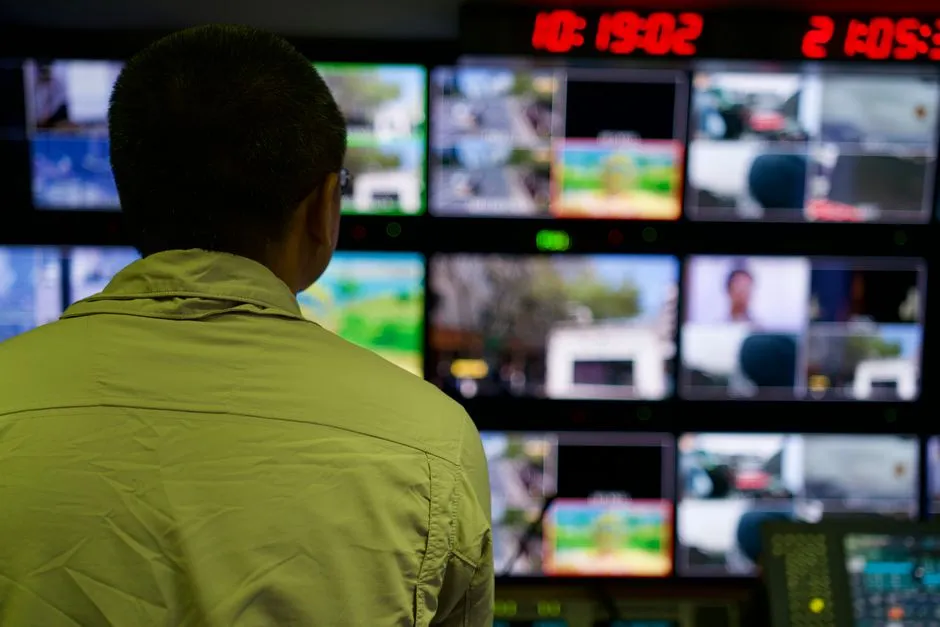
Search: red shirt · black backpack · 12 results
Whole site · 10:00-11:00
How it works
01
Connect cameras, classify data as it records
Existing IP cameras connect to Vaidio AI Vision. People, vehicles, animals and objects (backpacks, bags...) are recognized by AI and stored as searchable data the moment the camera is enabled, with no manual labeling.
02
Filter by attributes or describe in plain language
Filter by object type, color, count, time range and camera; combine several object types in one search to pin down the exact situation. With the Natural Language Enhancement module (separate license), describe the target in natural language instead of clicking filters.
03
Results with the original footage, exportable as evidence
Results show with images, timestamps and camera positions on the map; zoom into the area, open the camera live, play back video when the camera connects to an NVR, and download images and event clips for working with authorities and insurers.
Real-world applications
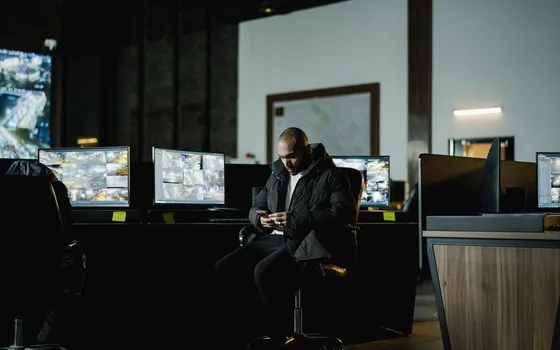
Security incident review
Narrow by time window and area, then filter by object type and color to find the moments that matter in seconds.
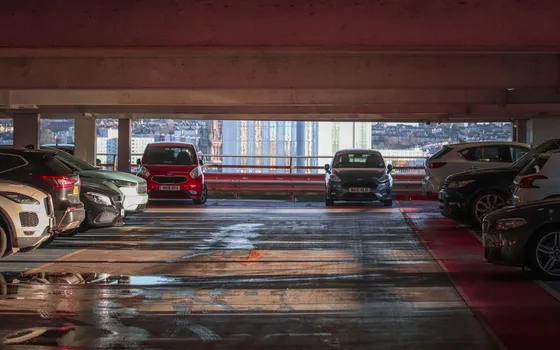
Finding vehicles and entry history
Search vehicles by type and color across the whole property instead of one gate recording at a time; look up a vehicle's full entry history.
Wide-area investigations
Search across many cameras at once to trace a person's movements through the site.
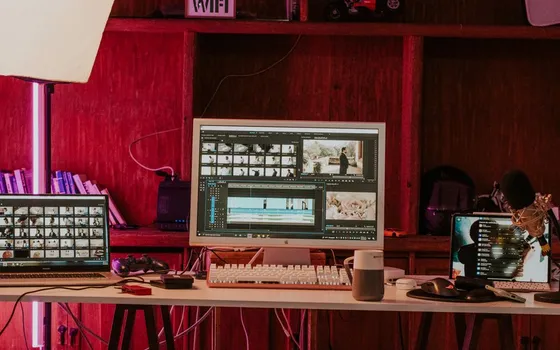
Exporting video evidence
Download images and clips of the exact events to hand to authorities or insurers, with timestamps and camera positions attached.
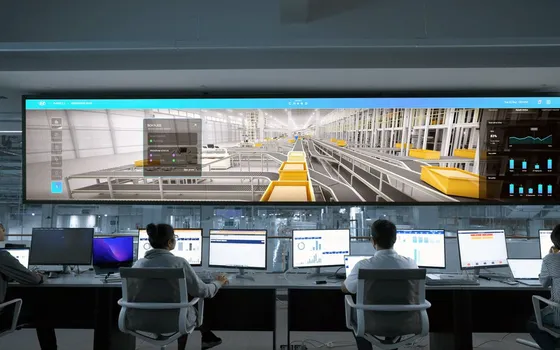
Re-analyzing old footage
Recorded files from NVRs can also be searched: load the file, run the analysis, filter as usual.
What you get
Search instead of scrubbing
Enter conditions once and the system sweeps every selected camera, returning matching frames with timestamps; no more tape-reading recorder by recorder.
Pin down the right person or vehicle
Stack filters by object type, color, time and region of interest; results narrow with each condition added.
Evidence keeps original timestamps
Images and event clips download with their times and camera positions, ready for internal review, insurers or authorities.
Recorded tape becomes searchable data
Footage stored on NVRs is analyzed on schedule; results carry original timestamps so the right clip opens straight from the result.
How deployment works
Step 1
Survey cameras and recorders
List the cameras and NVRs along the routes that matter and how they connect; search coverage follows that camera set.
Step 2
Pick the deployment shape
Server inside the business infrastructure; wide sites spread the load across several servers managed together through Command Center.
Step 3
Connect and classify
Connect cameras and recorders over ONVIF or RTSP so objects are classified as they record, then set alert rules for recurring situations.
Step 4
Tune and operate
Rehearse searches on known cases, agree hashtag conventions across shifts, then widen the camera set.
Infrastructure requirements: Cameras and NVRs connect over ONVIF or RTSP, cameras from 720p, 2MP recommended; server inside the business infrastructure, existing devices stay.
Frequently asked questions
Does searching mean clicking through camera by camera?
No. One search covers many cameras at once: pick the cameras, set the time window and object attributes, and the results return in seconds.
Does it search live video and recorded video?
Yes. Live streams are classified in real time, and recorded files from connected NVRs can be loaded and analyzed after the fact.
Do crowded areas produce noisy results?
Dense scenes still classify each object, though heavy occlusion can merge results. Narrow the zone and time window, and combine attribute filters to keep precision.
Are parked vehicles and still objects missed?
By default the system tracks moving objects; stationary recognition, for example parked vehicles, can be enabled as an additional mode.
Can events be tagged for later lookup?
Yes. Important events get hashtags for quick recall, and filter combinations can be saved for reuse.
Related features
Put AI Vision to work in your operations
Turbo Solutions surveys your current system, demos against your real operating scenarios and quotes by scope of work. No disruption to daily operations.
Book a demo