
Smart alerts
Know instantly which area is overcrowded
AI crowd detection in real time on existing cameras. Set a threshold per area and get alerts when it gets too crowded to coordinate in time.
The real-world problem
Event days and holidays bring many times the usual crowd. By eye it is hard to tell which hall is over capacity, and hand counting cannot keep up, while crushing at an entrance can turn into an incident within minutes. Vaidio AI Vision counts people per zone in real time on the cameras already installed and alerts the moment a threshold is crossed.
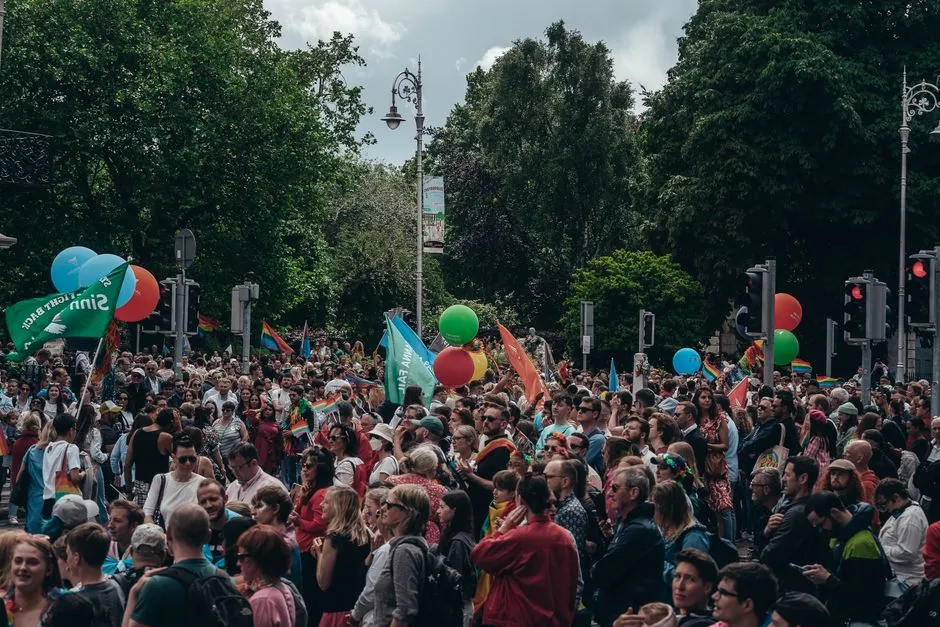
Alert: 87 people · threshold 80
Hall A · 14:32:05
How it works
01
Connect cameras in crowded areas
Cameras at lobbies, entrances, stage areas and stations connect to Vaidio AI Vision. Each area is its own tracking zone with its own threshold; zones are drawn in any shape and may overlap.
02
AI counts people per zone in real time
Each zone picks one object type to count: head counting for packed areas where bodies occlude each other; whole-person counting where full bodies are visible; or counting vehicles and bicycles for parking lots and traffic lanes. Accuracy is over 95%, and the count is displayed right on each event image.
03
Alerts when a threshold is crossed
Thresholds run from 1 to 100 objects per area. Touching the threshold alerts immediately to the dashboard, mobile app and email; connects to Zalo, SMS, Telegram and on-site sirens, lights and speakers, so staffing and extra lanes can be arranged in time. The cooldown between alerts runs 10 to 3,600 seconds; with event merging on, it alerts again only after the count drops and crosses the threshold once more.
Real-world applications
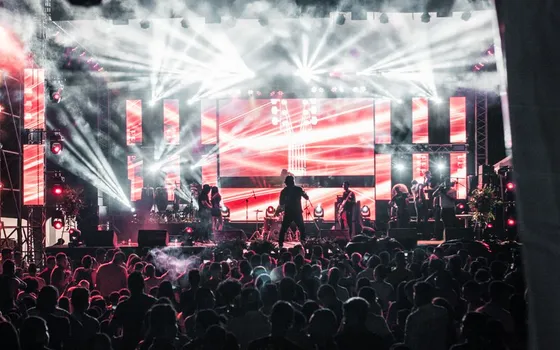
Events, festivals, mass gatherings
Watch the count per gate and per area against its own threshold. Set thresholds below true capacity so there is time to reroute flow, pause ticket sales or open more gates before overload.
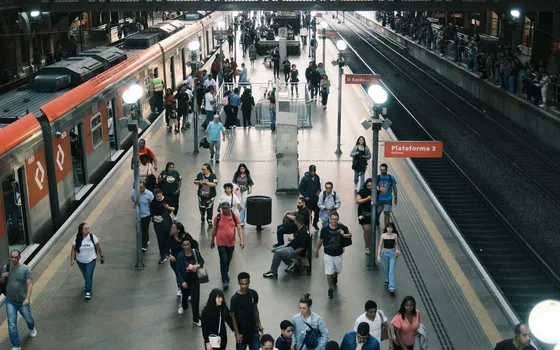
Stations and airports
At peak hours platforms and waiting halls overload easily; threshold alerts open more screening lanes and bring in guides before the crush builds.
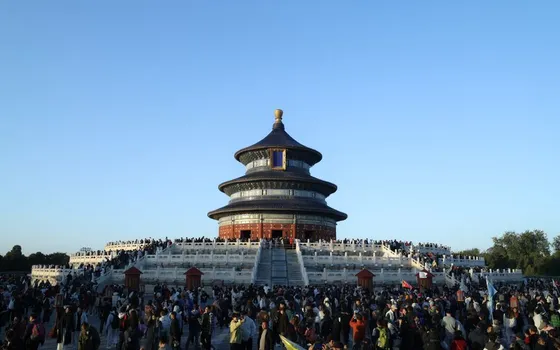
Temples, pagodas, festival sites
Big holidays multiply the crowd; know early which area is full to position volunteers and safe walkways.
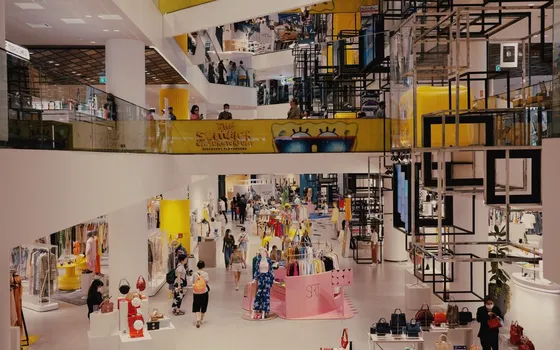
Shopping centers
On sale days, unusual crowding at the main hall and escalator foot alerts operations to coordinate; see the Heatmap feature for how customers spread across areas.
What you get
Per-area headcount known on the spot
Each zone counts people in real time and shows the number right on the event image; which hall is over capacity is visible at a glance, no hand counting.
Threshold crossed means time to coordinate
Thresholds are set per area below true capacity, leaving time to open more lanes, reroute flow or bring in staff before the crush builds.
Counts work in dense crowds too
Packed areas where bodies occlude each other use head counting as the vendor recommends; open areas with full bodies visible count whole persons.
Count data backs up scheduling
Counts by area and time window help set sensible thresholds and staff for holidays and sale days; how customers spread across areas is covered in the Heatmap feature.
How deployment works
Step 1
Survey the crowded areas
Map lobbies, entrances, platforms and stage areas to watch; check camera coverage per area and whether the angle suits counting.
Step 2
Pick the deployment shape
On-site server or edge devices for areas with few cameras; decide which team receives overload alerts for each area.
Step 3
Draw zones and set per-area thresholds
Each area is one tracking zone with its own threshold and counting mode (head counting for packed spots, whole-person for open ones); connect sirens and lights if needed.
Step 4
Tune and operate
Compare counts against reality at peak hours, adjust thresholds per area capacity, and pilot through one event before expanding.
Infrastructure requirements: IP cameras from 720p, 2MP recommended, mounted high to cover the counting area, ONVIF or RTSP, existing cameras stay in place. On-site sirens, lights and speakers plus Zalo or email notifications connect as add-ons. On-site server or edge devices.
Frequently asked questions
How are thresholds set, and can each area have its own level?
Yes. Thresholds run 1 to 100 objects per zone, and the system alerts on contact. Each zone picks its own object type; settings are adjusted live in the interface during an event.
Does it count people packed together or facing away from the camera?
Yes. For packed areas where bodies occlude each other, switch to head counting. The vendor recommends exactly this mode for dense crowds; it recognizes heads and does not use face recognition. For open areas with full bodies visible, count whole persons.
How is this different from everyday customer counting?
Object Counting tallies in/out trips across a counting line for daily analysis; crowd detection counts how many people are in each zone right now to alert on thresholds. Both features can run side by side on the same camera.
Beyond counting, does it detect unusual behavior?
Yes. Someone standing too long in a zone (loitering) is caught by dwell analytics with a maximum-seconds rule; a crowd forming suddenly belongs to unusual behavior analytics. These run in parallel with threshold alerts on the same camera.
For a small area where I only watch for a few people entering a forbidden spot, which feature?
Use Intrusion alerts: for groups under 30 people the vendor recommends the intrusion engine: draw a forbidden zone and alert per object appearing, or set count conditions (up to 30 per type), for example a checkout queue of more than 8 people. Crowd detection is for large gatherings like stadiums and stations; both run side by side on the same platform.
Related features
Put AI Vision to work in your operations
Turbo Solutions surveys your current system, demos against your real operating scenarios and quotes by scope of work. No disruption to daily operations.
Book a demo