
Access control
Container number recognition to the ISO 6346 standard
Reads ISO 6346 container and chassis numbers with watch lists, history search and Excel export. For ports, ICDs and yards.
The real-world problem
Every container passing in or out of a port, ICD or container yard gets its number typed into a logbook or software by hand; one mistyped character breaks the trace. The Container ID engine reads the code printed on the container straight from gate and yard cameras, turning every pass into data to reconcile and look up.
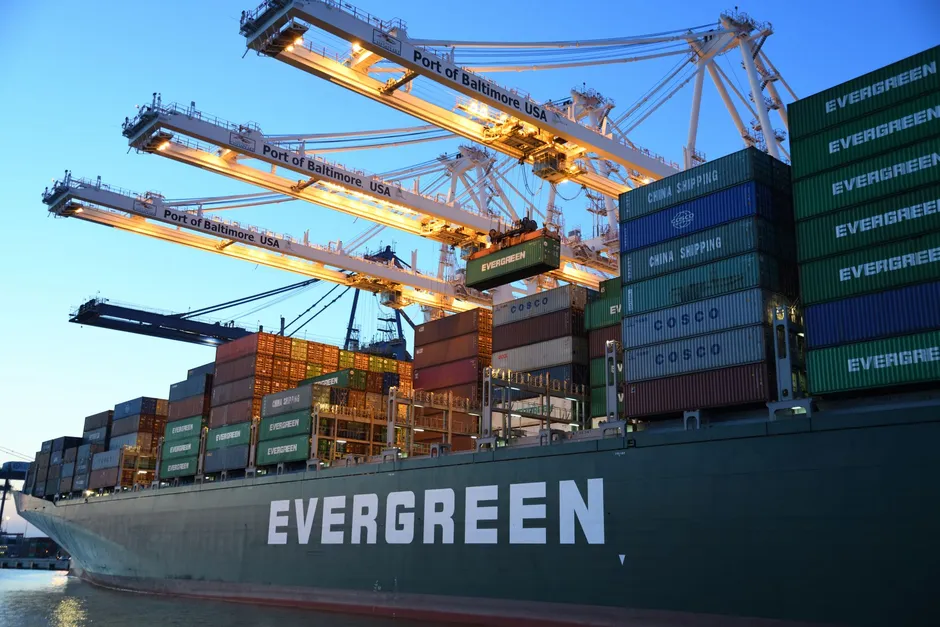
MSCU 482015-3 entering the gate
Container yard gate · 10:42:18
How it works
01
Reads ISO 6346 codes
The engine reads horizontally printed container numbers under ISO 6346, tracking each container through unloading, yard moves and reloading. ROIs are drawn per camera in any shape; an option reads the tractor chassis number too, so the tractor and trailer pair can be cross-checked.
02
Watch lists and alerts
Container numbers join lists with an expiry date and description; the system warns 7 days before a code drops off the list. A listed container appearing on a camera fires an event and an alert with images to the right owner.
03
History search and exports
The dashboard shows recognition results live with image, code, camera and timestamp. History filters by camera, list, type (container or chassis), code and time window; selected results export to Excel for reconciliation.
Real-world applications
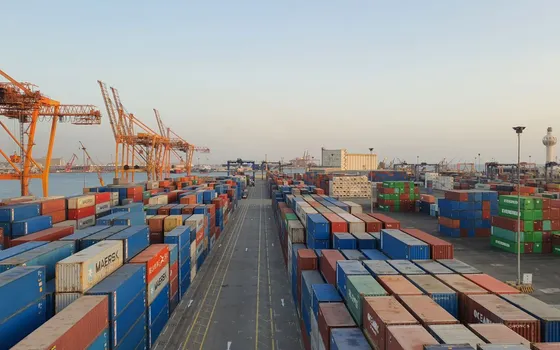
Seaports, ICDs, container yards
Logs every container unloaded from ships, moved across the yard and loaded onto trucks; look up by code instead of replaying video.
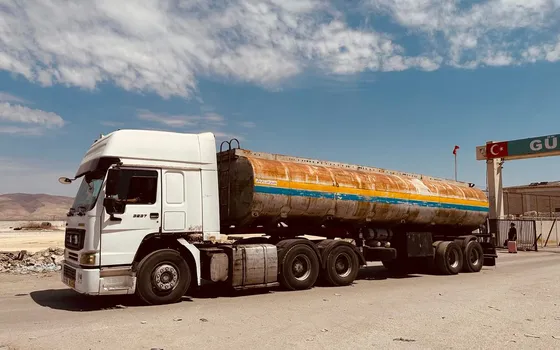
Station gates and handover areas
Matches the container number against the tractor's chassis number right at the lane; watch-listed containers alert with images for a check before entry.
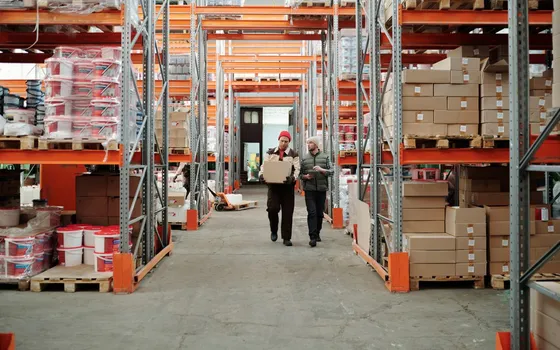
Bonded warehouses, logistics plants
Container entries and exits are logged with full code and timestamp; periodic reports build from ready data instead of manual tallies.
What you get
Container codes captured right at the gate
The engine reads codes printed on the container body and stores them with image, camera and timestamp; no manual typing means no mistyped characters.
History searchable by code
Filter by camera, list, code type and time window; select results and export to Excel for shipment reconciliation.
Watch-listed containers alert with images
A listed code appearing on a camera fires an event and an alert with images to the right owner for a check before entry.
Tractor and container cross-checked
The optional chassis number reading pairs each container with the tractor carrying it, matched right at the lane.
How deployment works
Step 1
Survey the gate and camera positions
Cameras at least 1080p with code characters spanning 16 pixels or more, mounted level with the code at roughly 2.5 to 2.8 m; Turbo Solutions shoots test frames before finalizing the layout.
Step 2
Load the Container ID engine and license
A separate engine with its own license, loaded through the License section; choose a Vaidio Core server or a Vaidio Edge device placed at the gate.
Step 3
Draw ROIs and enter watch lists
Draw the reading area per camera and add container codes with expiry dates and descriptions.
Step 4
Pilot and fold into reconciliation
Pilot with real containers at the gate and tune for print quality; the dashboard and Excel exports feed periodic reports.
Infrastructure requirements: Cameras connect over ONVIF or RTSP; the engine runs on a Vaidio Core server or a Vaidio Edge device placed at the gate, with extra camera positions surveyed where coverage is missing.
Frequently asked questions
Does it read containers not printed to ISO 6346?
The engine reads horizontally printed numbers under ISO 6346, which covers most internationally circulating containers. Non-standard, old or faded printing needs real photos sent to Turbo Solutions for an assessment of the recognition rate before deployment.
How should cameras be mounted to read the codes?
Cameras at least 1080p, code characters spanning 16 pixels or more in frame, mounted level with the code at roughly 2.5 to 2.8 m high. Mounting follows the same principles as license plate reading; Turbo Solutions surveys positions and shoots test frames before finalizing.
What license and infrastructure does it need?
Container number recognition is a separate engine with its own license, loaded through the License section. It runs on both Vaidio Core servers and Vaidio Edge devices placed at gates without a server room.
Related features
Put AI Vision to work in your operations
Turbo Solutions surveys your current system, demos against your real operating scenarios and quotes by scope of work. No disruption to daily operations.
Book a demo