
Smart alerts
Detecting guns and knives carried on camera
Detects handguns, rifles and knives carried by people at checkpoints, alerting with images through the intrusion system.
The real-world problem
Guns and knives passing a checkpoint are caught only when a guard spots them or a scanner beeps, while a busy gate has dozens of cameras recording that nobody watches. The Specialized Object engine recognizes dangerous items on camera so security can stop the person on the spot.
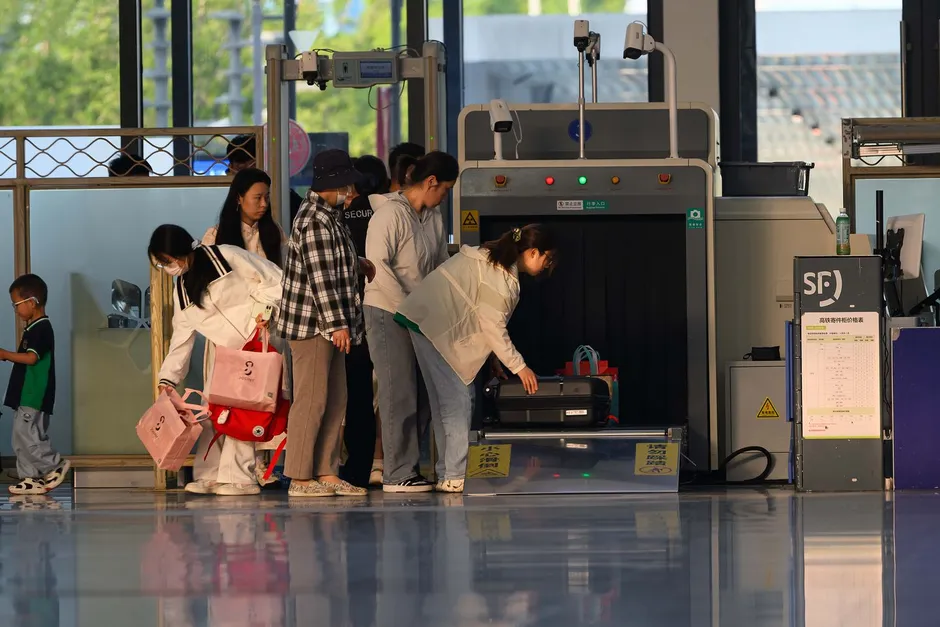
Dangerous item at checkpoint
Campus entrance · 14:20:05
How it works
01
Two models run together
A base model detects people in the frame; the specialized model detects handguns, rifles and knives carried by them. The item must accompany a person to count, which cuts false alerts on objects lying alone. Each weapon type is its own model loaded as needed.
02
Alerts through the intrusion system
The engine runs alongside intrusion detection: draw a checkpoint zone on the camera, and a weapon inside the zone alerts with images to the dashboard, mobile app and email; connects to on-site sirens, lights and speakers over HTTP Trigger or API.
03
Size requirements and camera placement
The weapon must appear large enough in frame, at least about 30 pixels, so cameras sit close to the checkpoint with a narrow view, 2MP or better. Each server runs one specialized model at a time; clusters run several models in parallel, one per node.
Real-world applications

School gates
Guns and knives passing the gate are caught at the checkpoint with images for security, supporting the process of stopping them before the grounds.
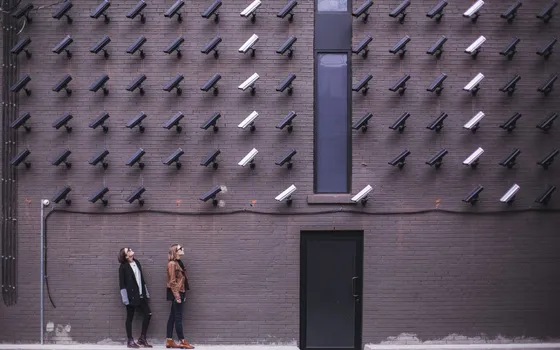
Hospitals and buildings
Entrances to restricted areas and lobbies that need dangerous-item screening; alerts carry images and timestamps to security for handling and records.
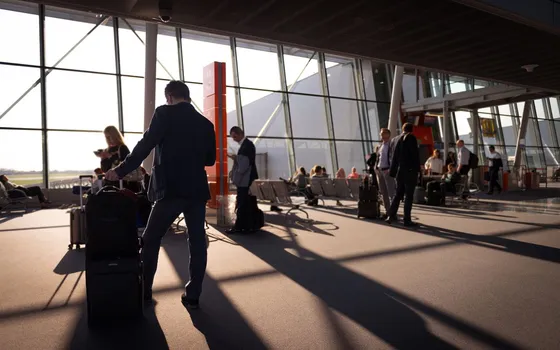
Events and crowded attractions
People and baggage screening points stay on camera; someone carrying a dangerous item around the scanner stays inside the recognition zone.
What you get
Dangerous items carried by people recognized
A base model detects people, the specialized model detects guns and knives carried by them; the item must accompany a person to count, cutting false alerts on objects lying alone.
Checkpoint alerts with images
The checkpoint zone is drawn on the camera; a dangerous item inside alerts with images so security stops the person on the spot, timestamped for records.
Alerts reach the responsible owner
Each zone reaches its own owner on the dashboard, mobile app and email; on-site sirens, lights and speakers at the checkpoint connect as add-ons.
Event records for review
Events keep images and timestamps, filterable by zone and time window to review checkpoint procedures.
How deployment works
Step 1
Survey the checkpoints
Map the gates and lobbies to watch; cameras sit close to the checkpoint with a narrow view so the item appears large enough in frame.
Step 2
Pick the deployment shape
On-site server per checkpoint; each server runs one specialized model at a time, so covering several weapon types at once calls for a cluster, one model per node.
Step 3
Load models and draw zones
Load a model for each weapon type to watch, draw the checkpoint zone on the camera and assign the alert receiver per zone.
Step 4
Tune and operate
Test-shoot each position before configuration, run alerts with a tight zone around the checkpoint, tighten it, then expand to the remaining points.
Infrastructure requirements: Cameras sit close to the checkpoint with a narrow view, 2MP or better, ONVIF or RTSP, existing cameras stay in place. On-site sirens, lights and speakers connect as add-ons. On-site server; a cluster with one model per node covers several models at once.
Frequently asked questions
How clearly must the weapon appear?
The weapon must span at least about 30 pixels to be recognized, with handguns needing a tighter frame than rifles. Cameras therefore sit right at the checkpoint with a narrow view, 2MP or better; Turbo Solutions test-shoots each position before configuration.
Where do alerts go?
Alerts fire through the co-running intrusion engine: dashboard and mobile app plus email; on-site sirens, lights and speakers at the checkpoint connect over HTTP Trigger or API. Each zone reaches its own responsible owner.
What license and infrastructure does it need?
Specialized object detection is a separate engine with its own license, loading a model per weapon type. Each Vaidio server runs one specialized model at a time; running several types at once calls for a cluster, one model per node.
Related features
Put AI Vision to work in your operations
Turbo Solutions surveys your current system, demos against your real operating scenarios and quotes by scope of work. No disruption to daily operations.
Book a demo